Chapter 2: Using the Fax Client Software
16 FaxFinder Client User Guide
Editing a Contact’s Information
To update a contact’s information:
1. On the Devices tab, right-click on the FaxFinder you want and click Open.
2. Click User Info.
3. Click View Contacts.
4. Select the contact or group list that you want from the drop-down list.
5. Right-click on the contact you want to edit and click Properties.
6. Make changes and click OK.
Deleting a Contact
To delete a contact’s information:
1. On the Devices tab, right-click on the FaxFinder you want and click Open.
2. Click User Info.
3. Click View Contacts.
4. Select the contact or group list that you want from the drop-down list.
5. Right-click on the contact you want to delete and click Delete.
Checking Fax Status
To check information for any scheduled or sent faxes:
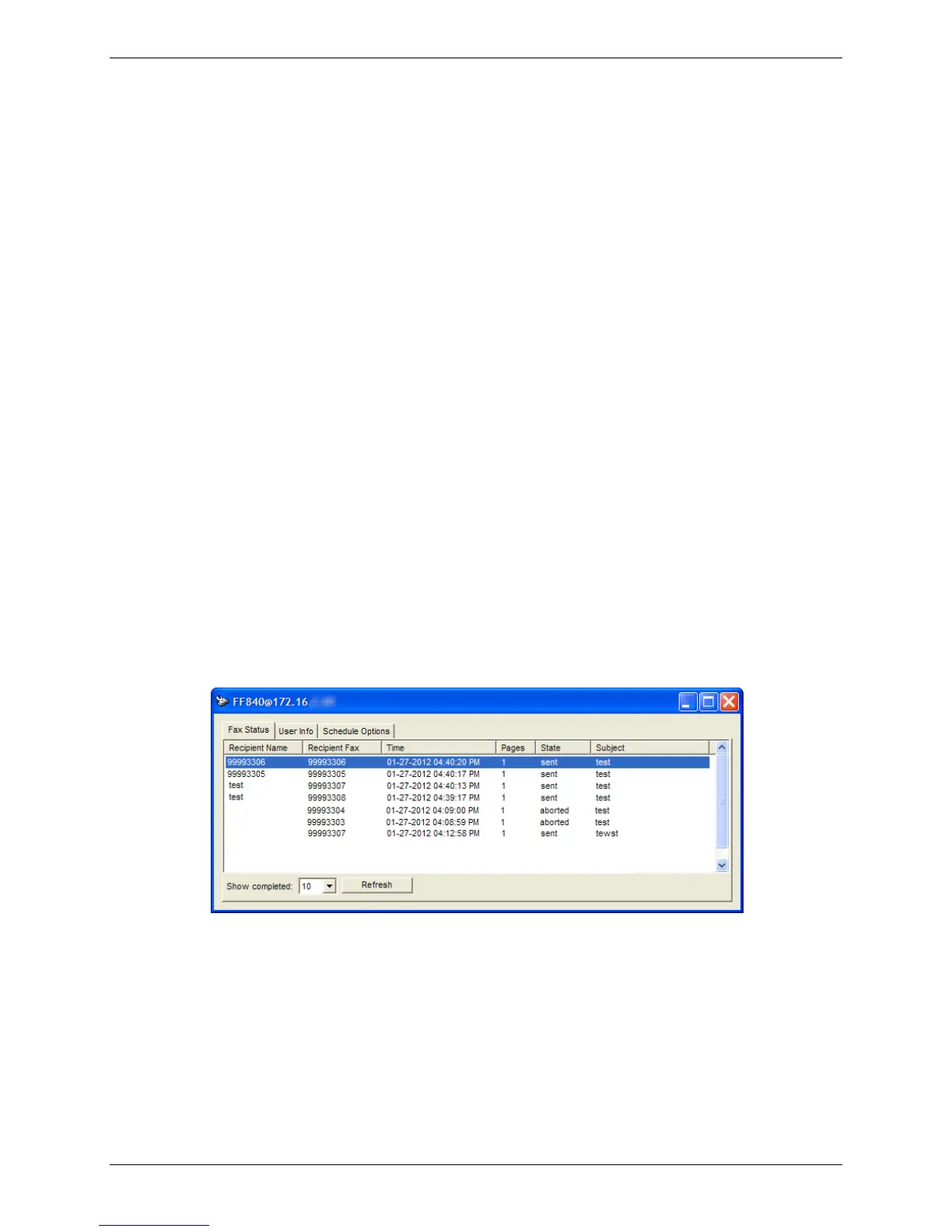
● On the Devices tab, right-click on the FaxFinder you want and click Open.
This window shows the recipient name and fax number, the time the fax was or is scheduled to be sent,
the number of pages, state, and subject.
Viewing a Fax
To view a scheduled or sent fax:
1. On the Devices tab, right-click on the FaxFinder you want and click Open.
2. Right-click on the fax you want and select View.



 To Next Page