FaxFinder Client User Guide 27
To use the FaxFinder client software to send faxes, install it on your computer and then associate it with
a FaxFinder unit.
Note: You will need login with administrator rights to install the software.
Installing the Software
Important: If you have old versions of any FaxFinder client software installed, uninstall that software
before installing a new version. Use the Add or Remove Programs utility in the Windows
Control Panel to uninstall.
To download the FaxFinder client software:
1. Go to the Multi-Tech Installation Resources website, www.multitech.com/setup/product.go.
2. Select your FaxFinder model from the Choose your Product drop down list.
3. Click Software. Check with your administrator if you do not know which version to download for
your computer.
4. Double-click the link for the version you want to install and select Run or Open, depending on your
system. If you get a message about the publisher not being verified, click Run. If you get a message
about the file not being commonly downloaded, click Actions | Run Anyway. Some browsers may
require you to save the file before running it.
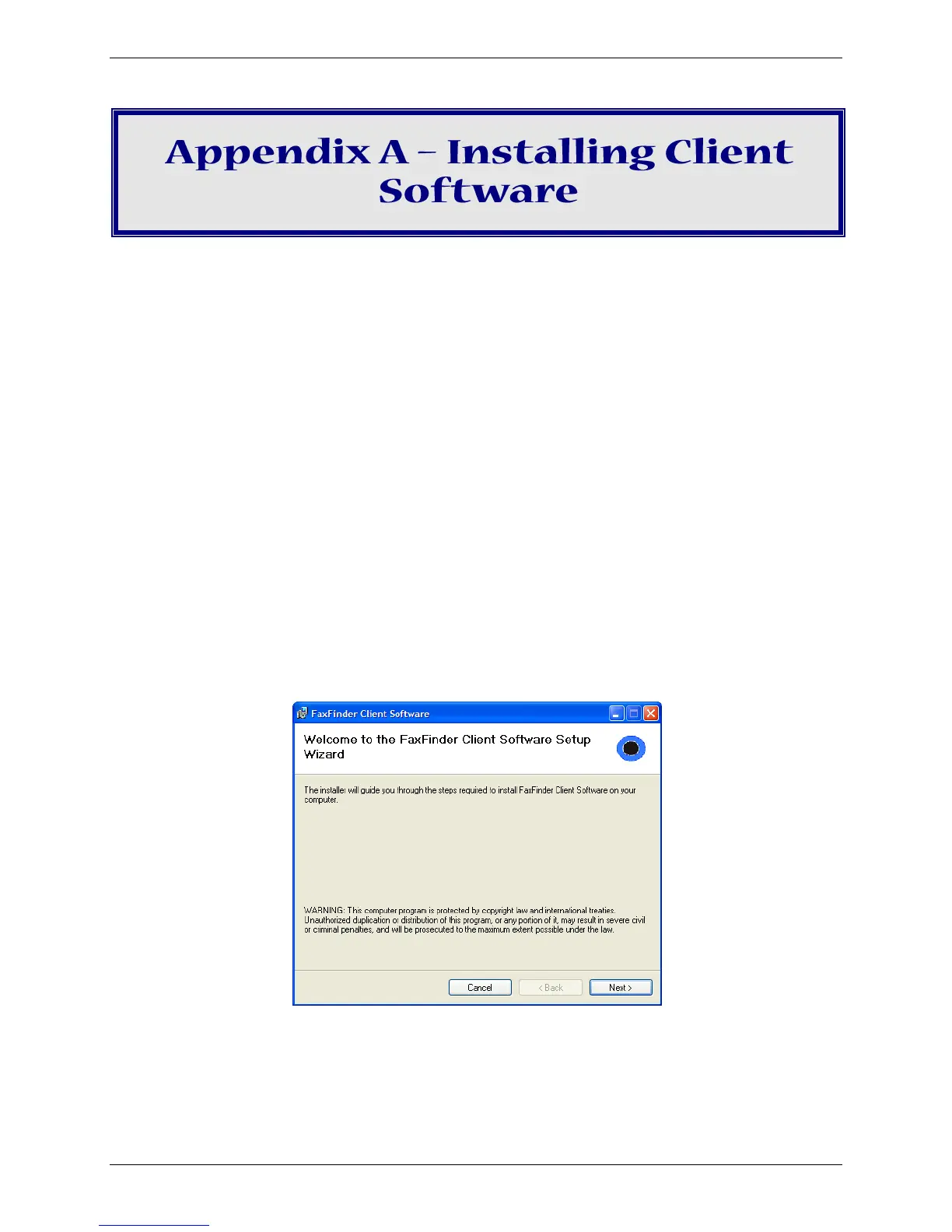
5. Click Next.



 To Next Page