Appendix A: Installing Client Software
28 FaxFinder Client User Guide
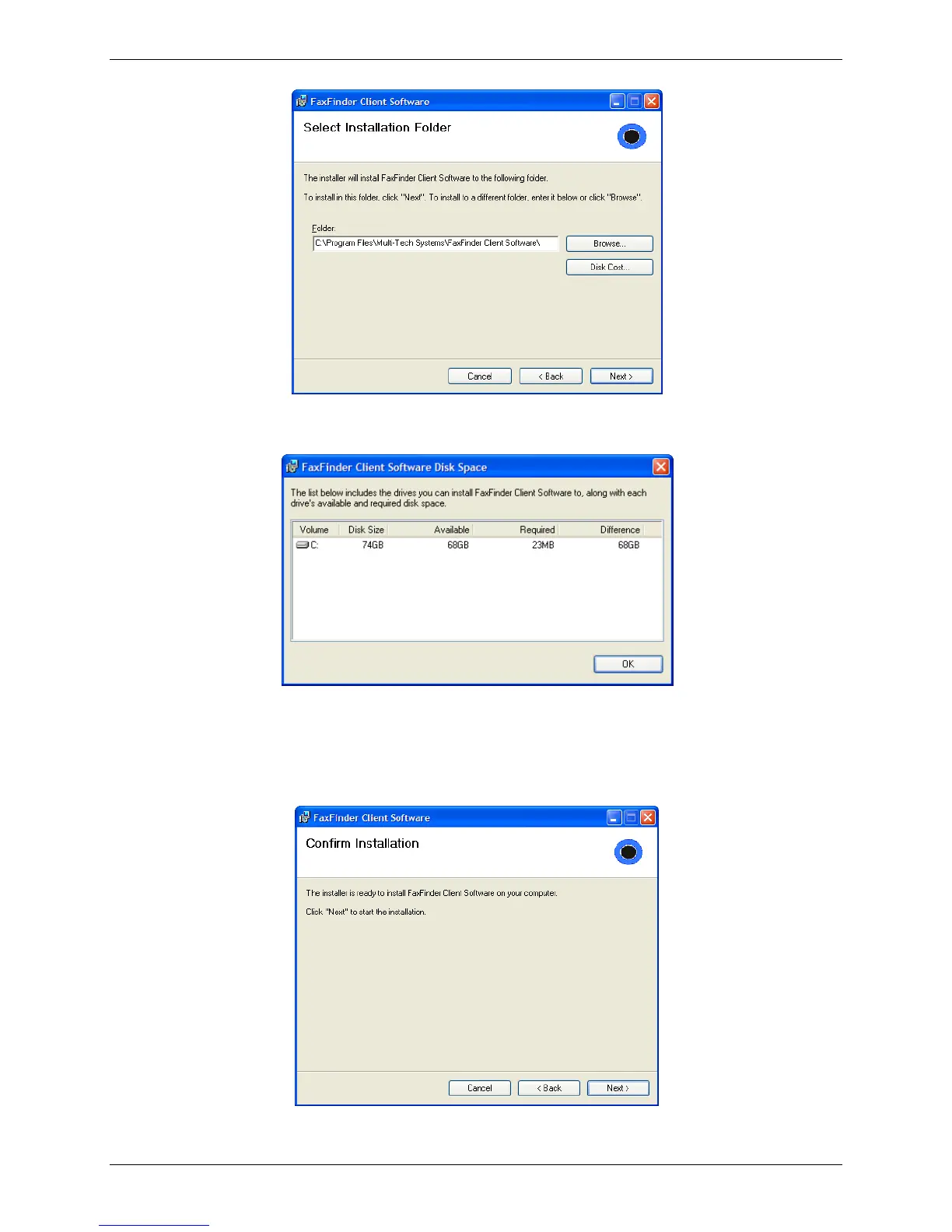
6. Browse to the location where you want install the FaxFinder client. In most cases, the default file
location is recommended.
To determine if the selected location has adequate available space for the FaxFinder client, click on
Disk Cost. Click OK to close the Disk Cost window.
7. Click Next.
8. Click Next again to begin the installation.



 To Next Page