Chapter 2: Using the Fax Client Software
22 FaxFinder Client User Guide
Editing FaxFinder Properties
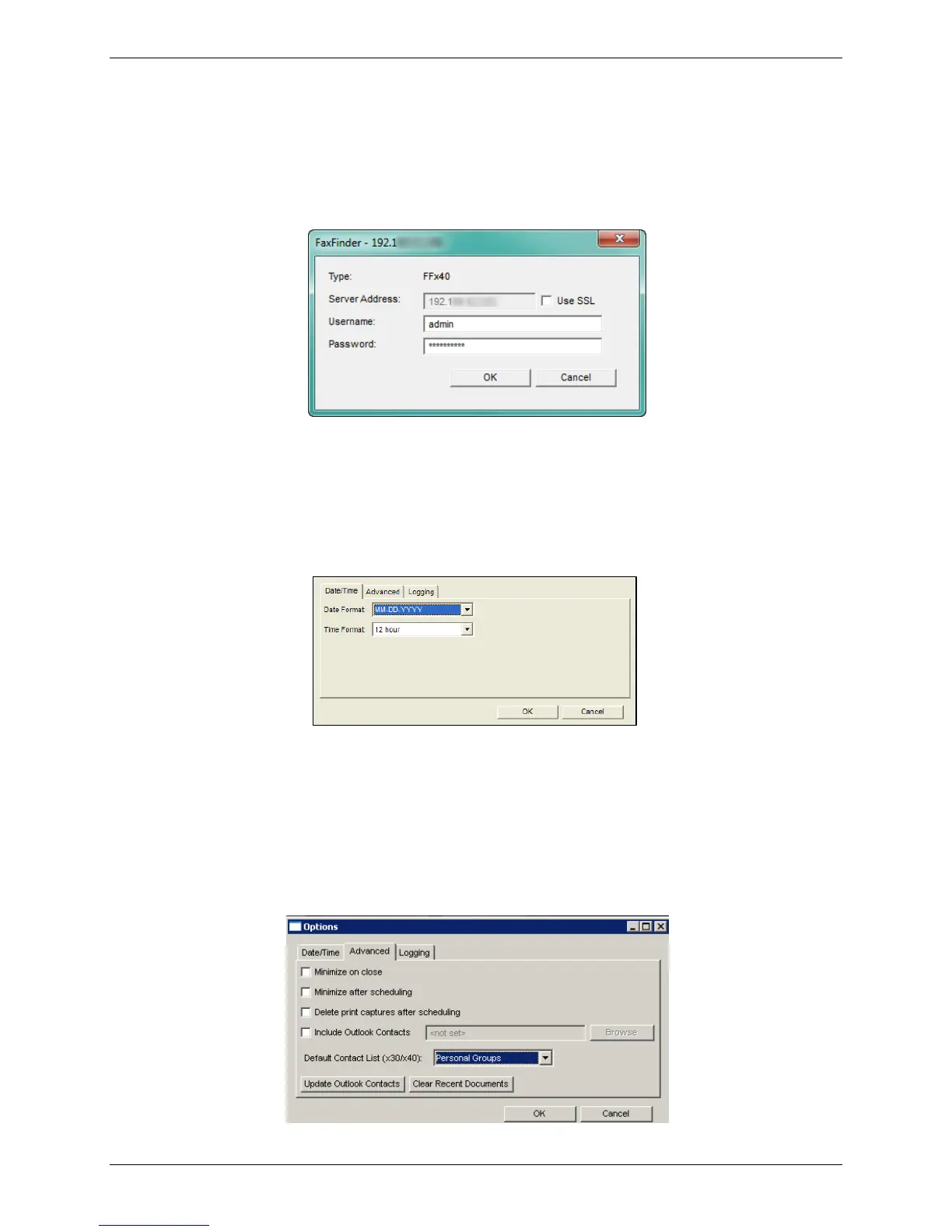
To edit the username, password, and secure login status for a FaxFinder:
1. Right-click on the FaxFinder on the Devices tab and select Properties.
2. Make desired changes and click OK to save them.
Note: Check Use SSL to require a secure login for faxing.
Setting the Fax Header Date and Time Format
To set the date and time format for fax headers:
1. Click Edit | Options.
2. Select a Date Format and a Time Format from the drop-down lists.
3. Click OK.
Configuring the Fax Client
To include or update Outlook contacts and configure fax client behavior:
1. Click Edit | Options.



 To Next Page