23
Note: To save changes in Add Room / Edit Room menus’, exit by pressing okay (check) icon on the right. If you
press returning back icon on the top left corner, your settings will not be saved.
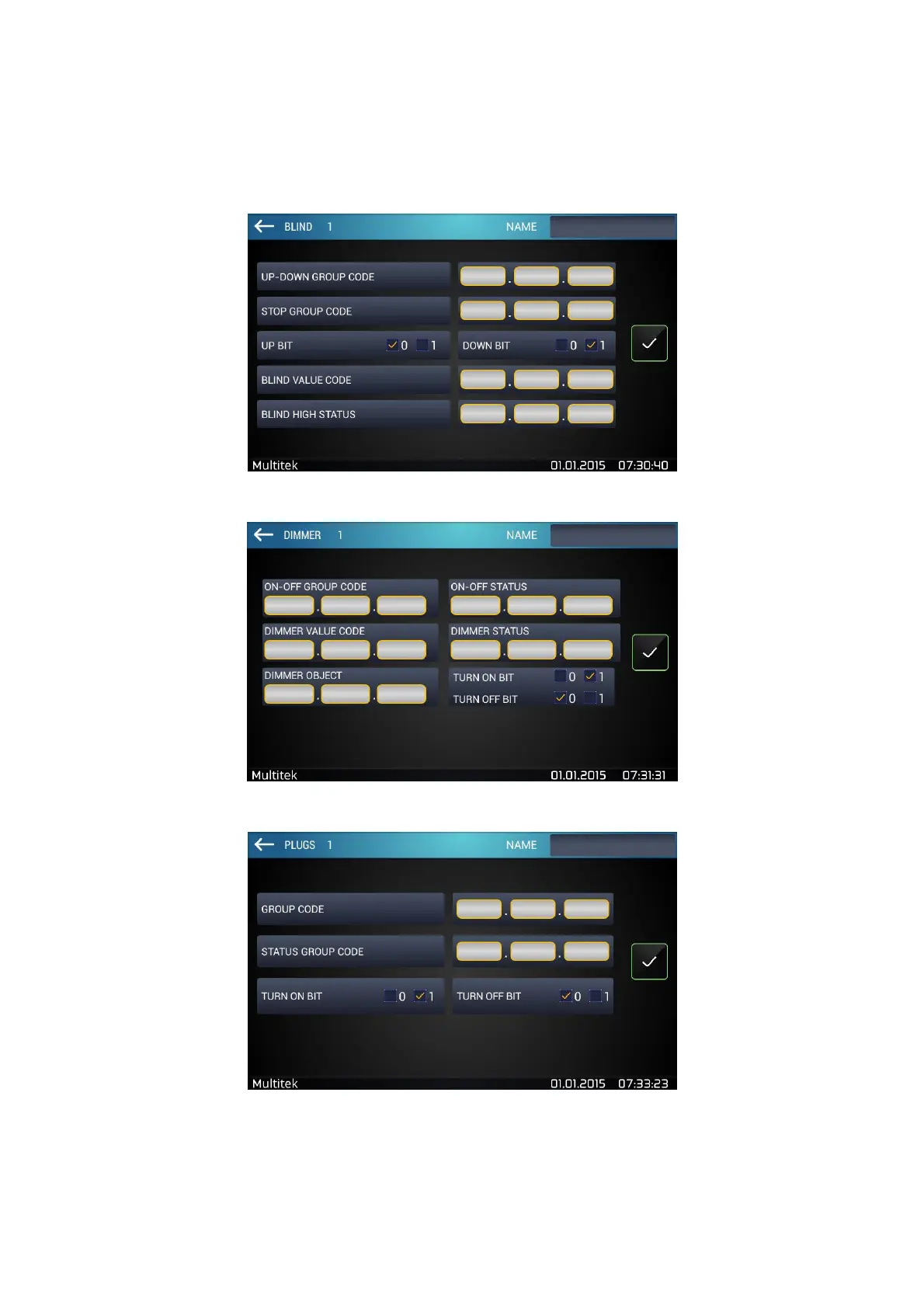
Figure 21:Curtain Configuration Screen
Figure 22:Dimmer Configuration Screen
Figure 23:Socket configuration screen



 To Next Page