26
7.5.2. Adding Scenarios
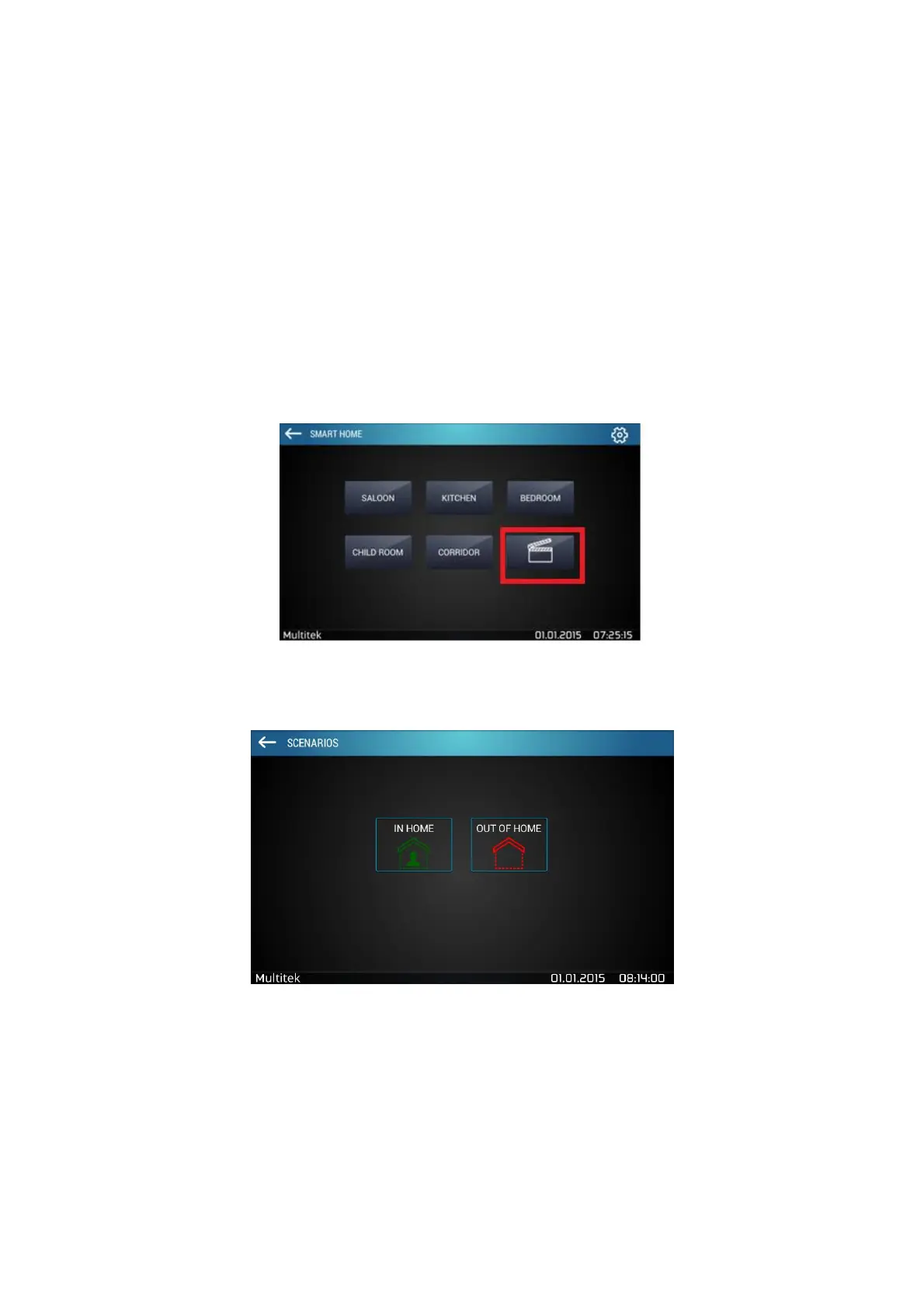
Scenarios are present on the main page of Smart Home menu (figure 18).
There are 2 kinds of scenarios:
1- KNX Scenario
2- Special Scenarios
7.5.3. KNX Scenarios
In home and Out of Home are default scenarios that are present for all devices.
Figure 30:Scenarios
Figure 31:Default scenarios: In Home, Out of Home
In order to add a scenario, go to Smart Home Settings located on the top right corner of the screen. Select
scenario icon, an empty screen like Figure 20 will appear. Select add (+) icon to add the new scenario. (i.e. cinema)



 To Next Page