32
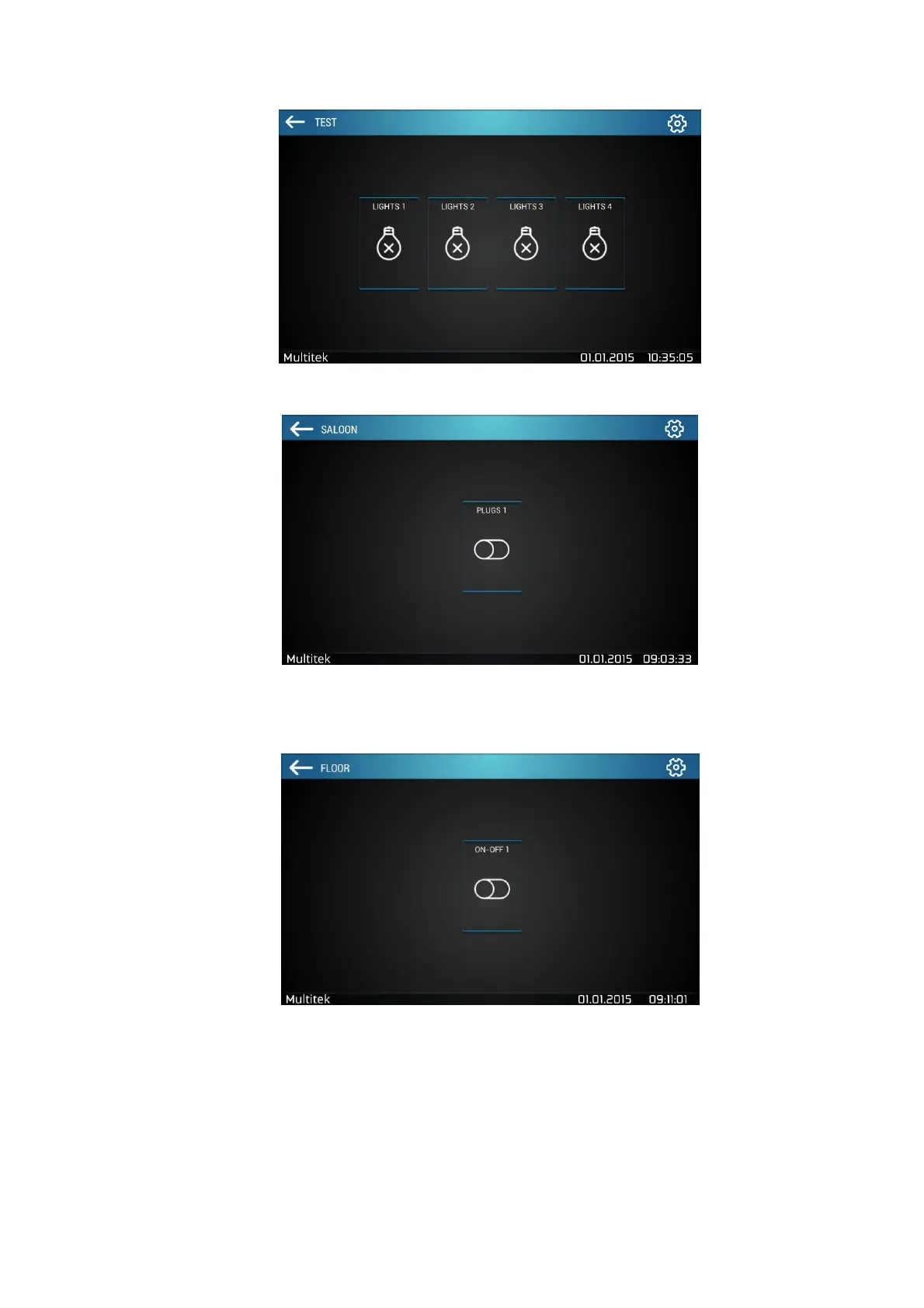
Figure 39:Turn on / off Lights Control
Figure 40:Socket / Plug Control
Figure 41:On / off Control
7.5.8. Editing Alarm
Go Smart Home settings from the main Smart Home screen by clicking to settings icon on the top right corner.
Press the orange security icon (see figure below). “Zone 1, 2, 3, 4 Group Code” section shows the code in which
the alarm will be active.



 To Next Page