31
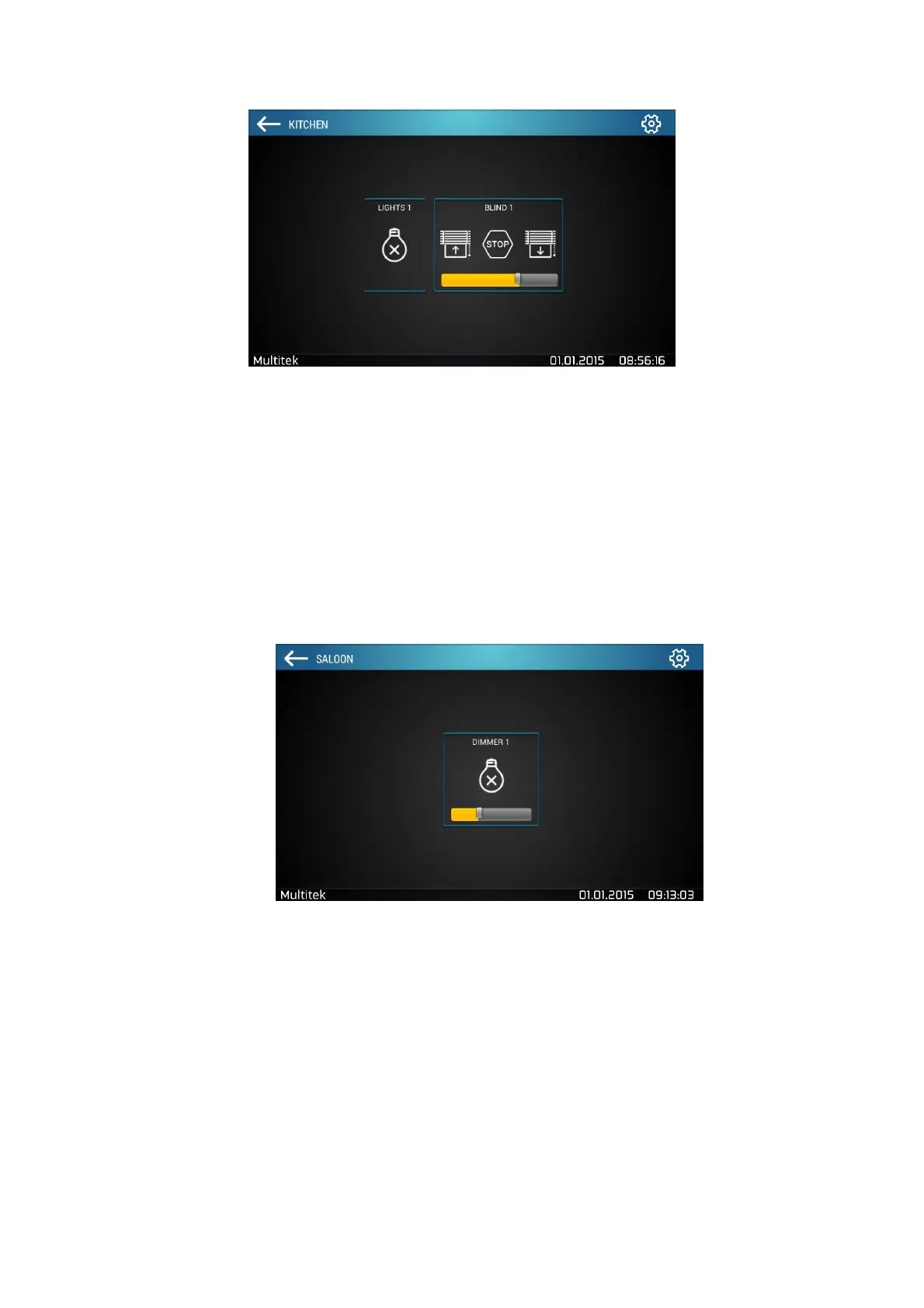
Figure 37: Devices in a Room Named "Kitchen" with Turn on/off lights and Blinds
Different devices have different icons and functionalities.
• Blinds / curtains can move up or down and can be stopped (Figure 36)
• Control of light intensity by dimmer device (Figure 37)
• Lights (Figure 38), Socket (Figure 39) and On / off (Figure 40) devices can be turned on/off
• Air Conditioners turn on/off, fan speed setting and HVAC mode control
Figure 38:Dimmer Control



 To Next Page