30
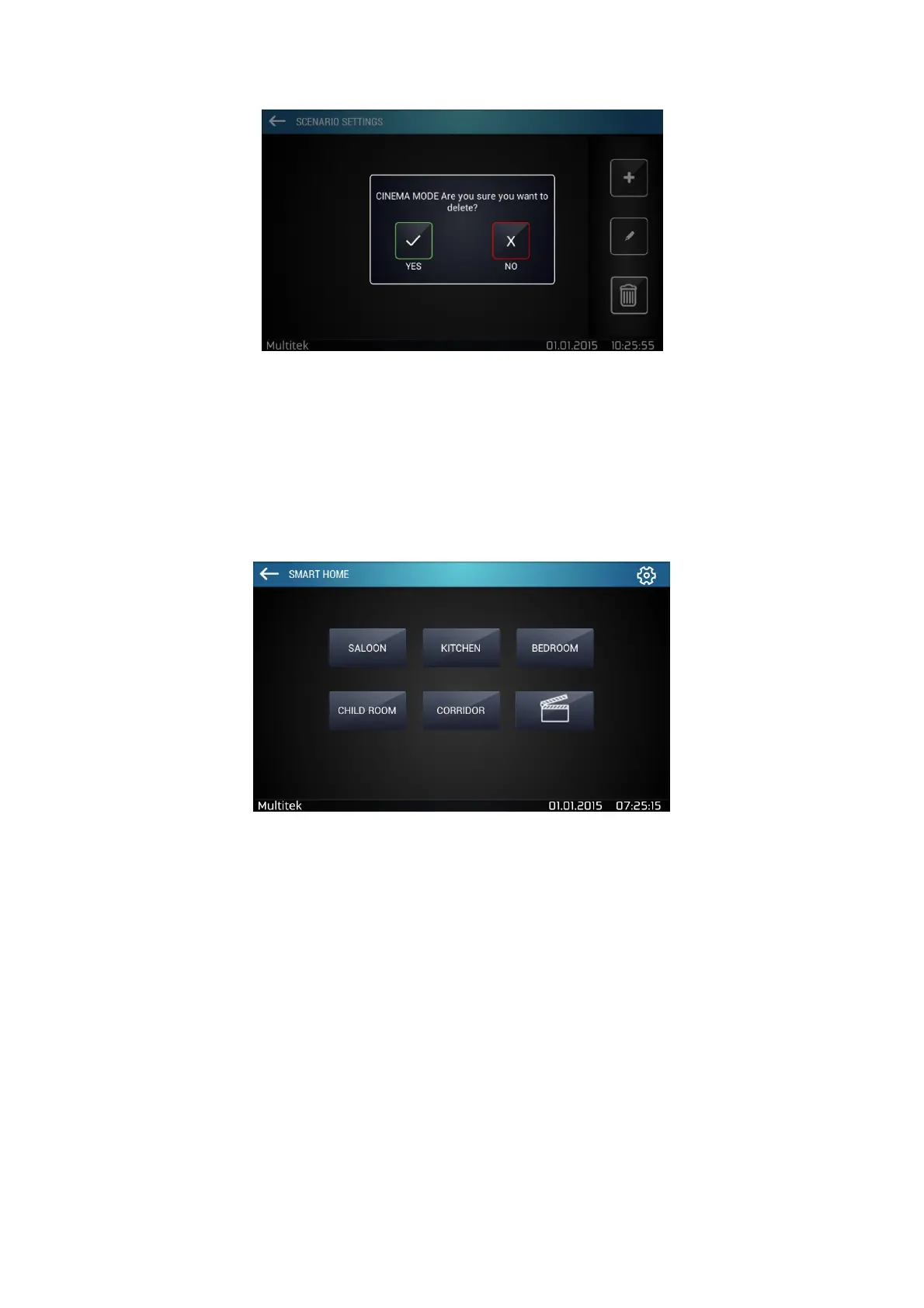
Figure 36:Deleting Scenario
7.5.7. Room Based Device Control Screen
In the main Smart Home menu, select a room to see the devices that you have added.
To change device names, tap settings icon located at the top right corner of the screen and “Change device
names” menu will appear.
Click on the device name that you want to update, so a keyboard will appear. (naming is limited to 12 characters)



 To Next Page