29
right. By pressing the icon, the date is assigned. The scenario is recorded by selecting which days and at what
time it is desired to be active.
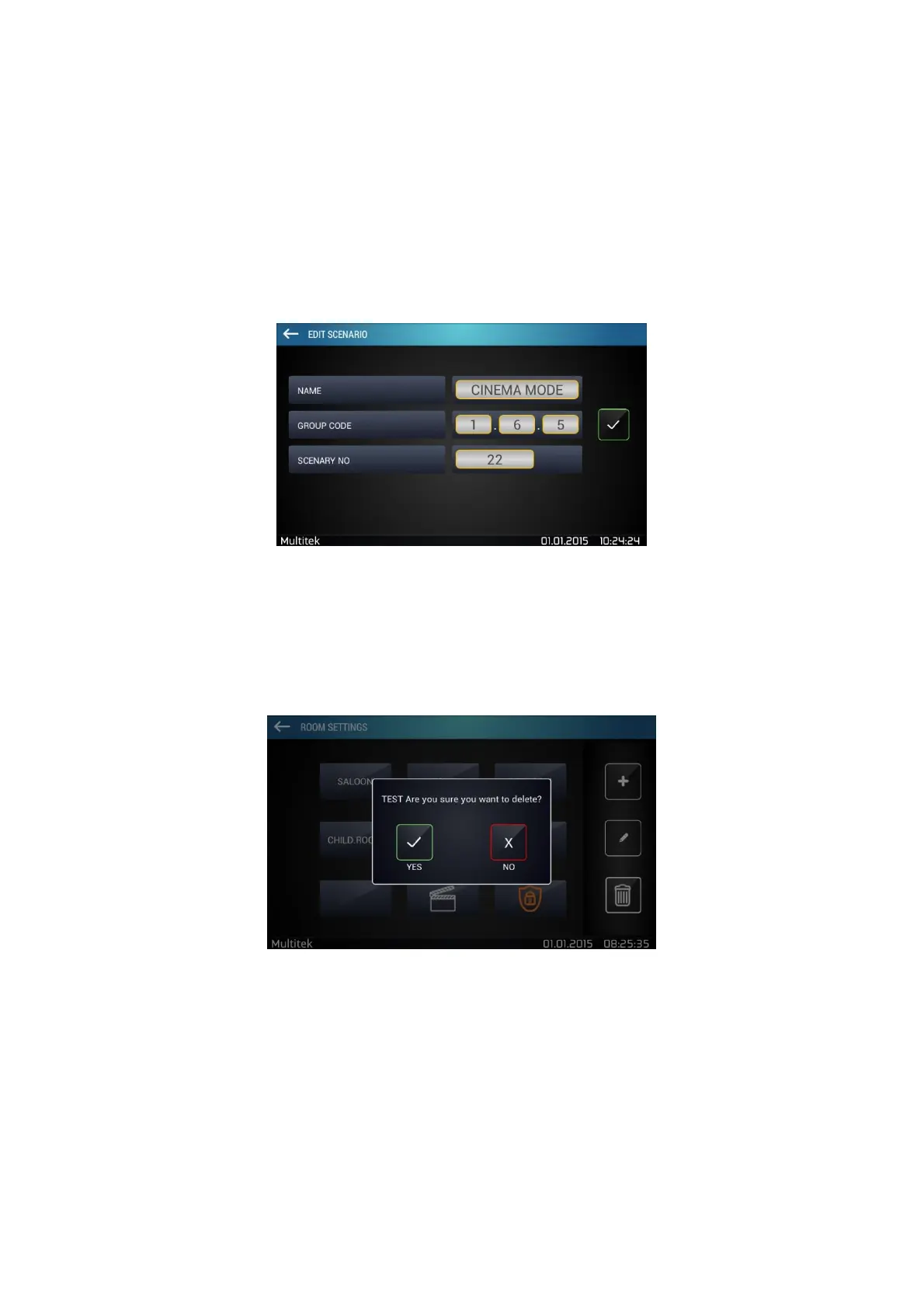
7.5.5. Editing Scenarios
In scenario setting screen, choose the scenario that you want to edit and tap editing icon (pencil located in the
middle)
Figure 34:Editing Scenario
7.5.6. Deleting Rooms And Scenarios
Rooms and scenarios are deleted by using delete icon present in room settings and scenario settings.
Figure 35:Deleting a Room



 To Next Page