Page12of33
IMC08 Banknote Counter & Sorter User Manual
Version 1.03
REJ key is used to show the rejected bills and the reason for the rejection. Long press to set the capacity
of reject pocket (max. 100 bills).
ESC key allows you to go back to previous screen or clear the input.
ADD or ↓ key is used to toggle the cumulative add function on/off. In Batch mode, press it to decrease
batch number by 1. Move cursor down in Menu.
SPEED key, allows you to select the different available counting speeds.
REC key is used to view the counting result report.
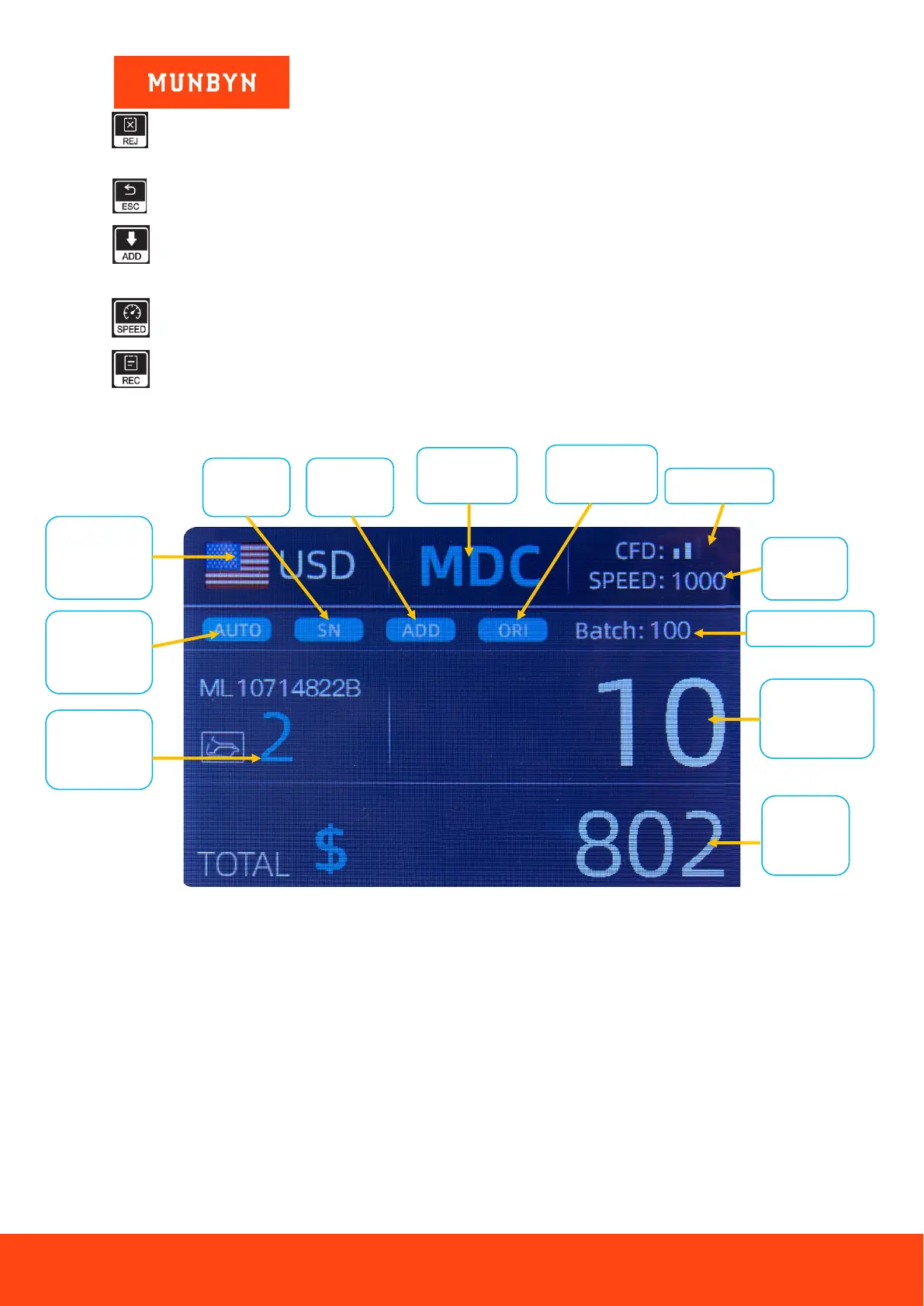
4.3. Display Interface
Figure 4-2 Main Display Interface



 To Next Page