Page13of33
IMC08 Banknote Counter & Sorter User Manual
Version 1.03
5.0. Operating Instructions
5.1. Start-up
Turn on the power switch after connecting the machine to power. The machine will enter the self-checking
interface, as shown in Figure 5-1.
Figure 5-1 Self-checking Interface
The self-checks will take about 30 seconds. During this time, the machine will spin the banknote
processing wheel several times, and then enter the main interface as shown in Figure 3-2.
5.2. Placing Banknotes
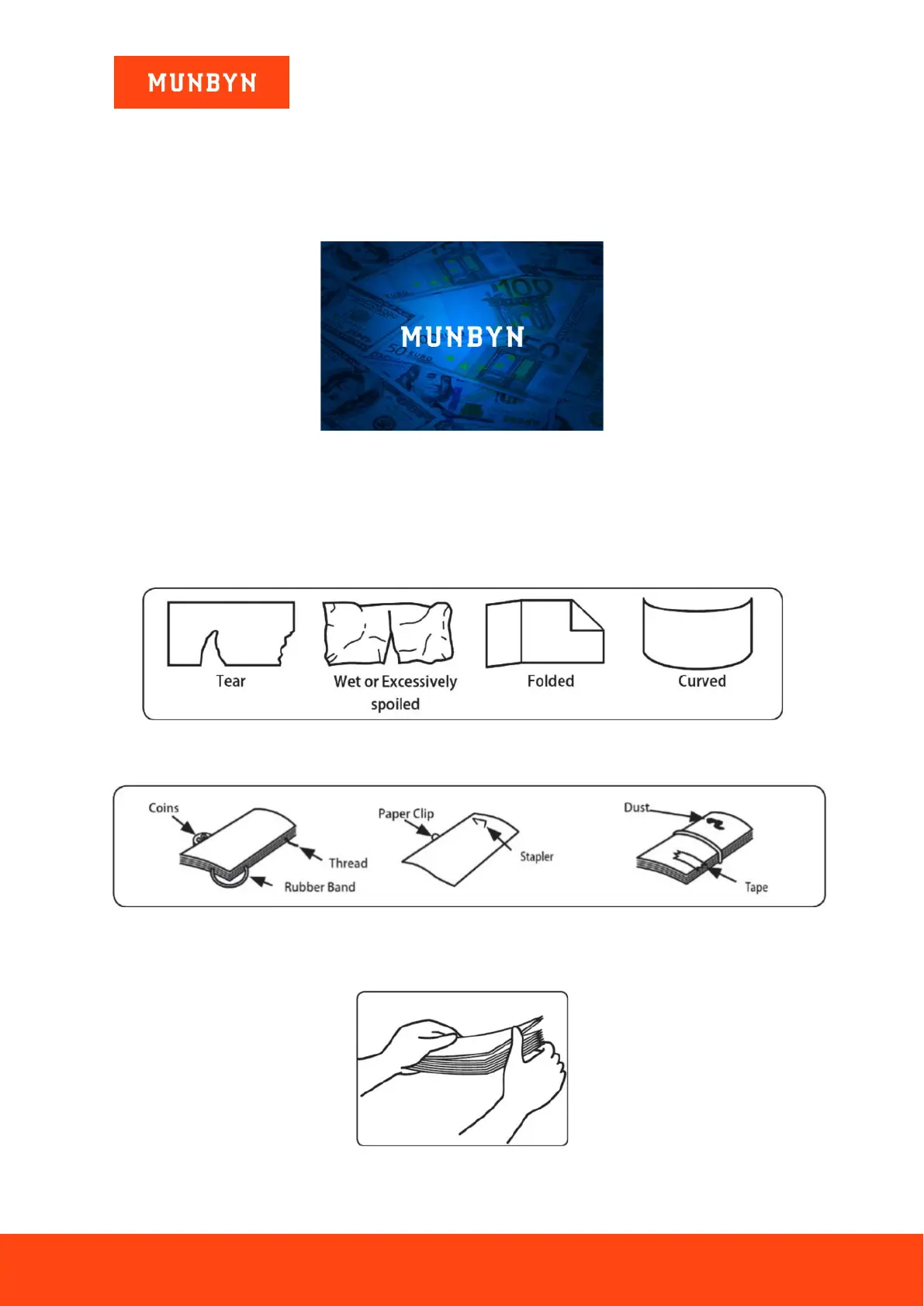
Avoid counting wet, excessively dirty or significantly folded banknotes.
Figure 5-2 Damaged Notes
Check for foreign matter (paper chips, rubber bands, clips, dust etc.) mixed with notes.
Figure 5-3 Foreign Matter Mixed with Notes
Remove folds from notes beforehand. Spread and separate brand-new notes as they can sometimes be slightly
adhesive.
Figure 5-4 Separate Brand-New Notes



 To Next Page