Page23of33
IMC08 Banknote Counter & Sorter User Manual
Version 1.03
6.0. Menu Setting
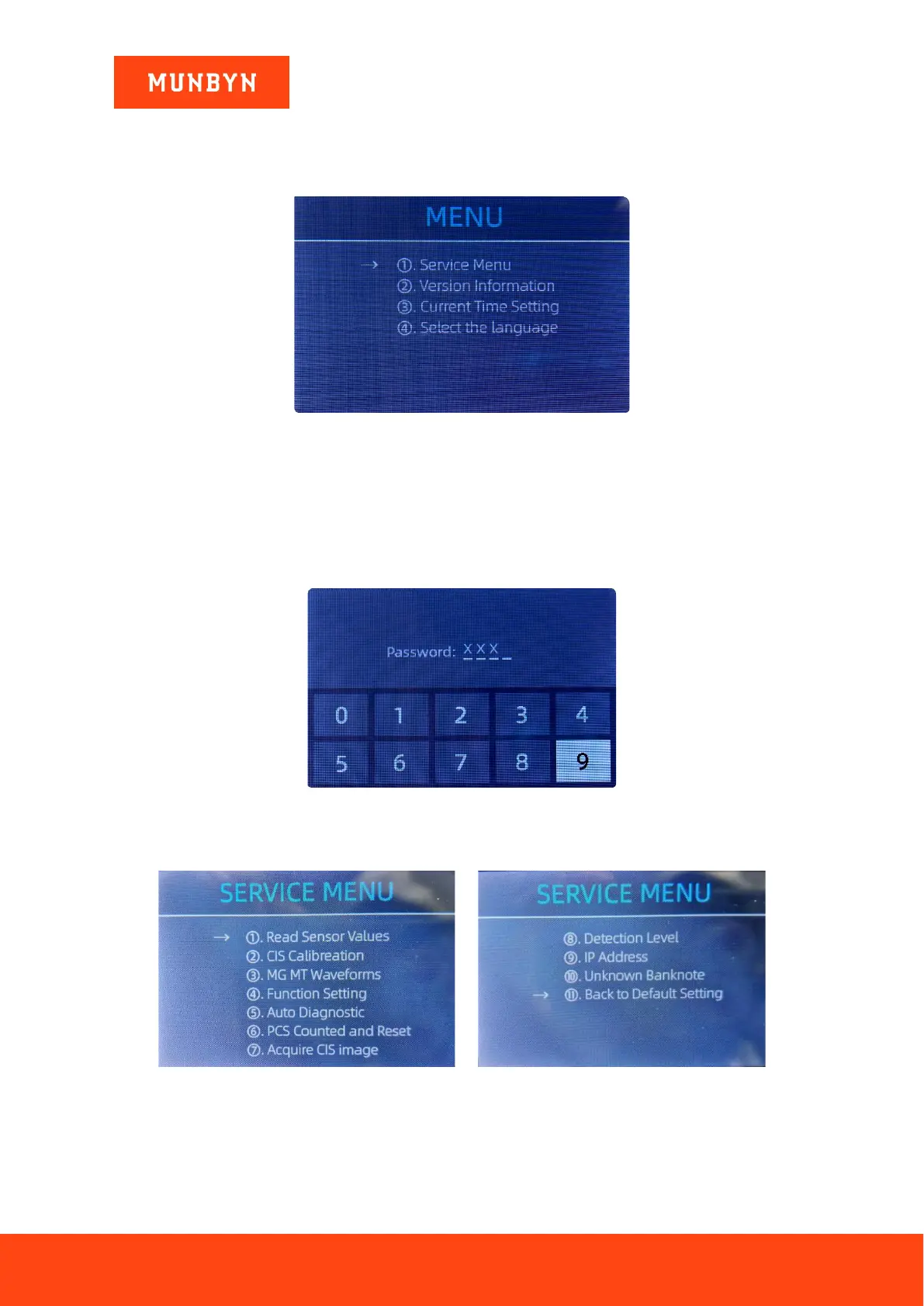
To enter the menu interface, long pressing the MENU key until a beep sound, as shown in the following
figure.
Figure 6-1 Menu Interface
User the arrows to select which sub-menu you want to enter, and press MENU key to confirm, and press
menu button to confirm, and press ESC key to quit.
6.1. Service Menu
Press the MENU key to enter service menu, you will be requested to input a password with the following
interface. The default password is 9999.
Figure 6-2 Password Interface
After inputting the password, the interface showed in Figure 6-3 will be displayed. Use the cursor to select
the sub-menu you want to enter, and press MENU button to confirm, or press ESC button to quit.
Figure 6-3 Service Menu



 To Next Page