Page19of33
IMC08 Banknote Counter & Sorter User Manual
Version 1.03
Figure 5-19 Orient Function Indicator
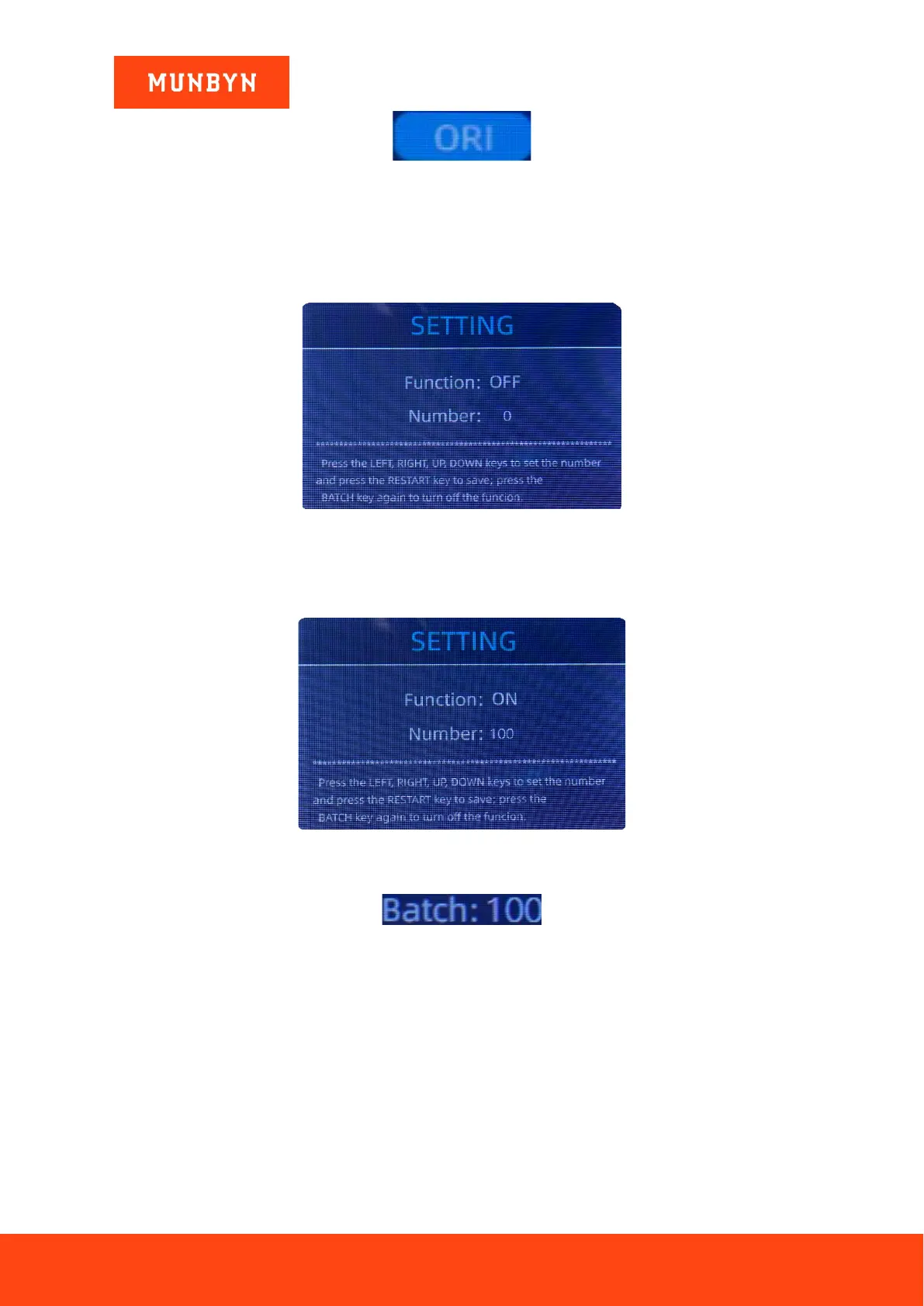
5.5.6. Batch Setting
Press the BATCH key to select the batch number in the banknote counting interface, the screen display is
shown in Figure 5-20. By pressing the BATCH key of the control panel, the batch number will be toggled
in a 100-50-0 sequence.
Figure 5-20 Batch Setting Interface
The batch number will be increased by 10 by pressing the ← key, or decreased by 10 by pressing the key
→ until it becomes 0. And it will be increased by 1 by pressing the ↑ key, or decreased by pressing the
↓ key.
Figure 5-21 Batch Setting Interface
Press the ESC key to return to the main interface to confirm the batch quantity.
Figure 5-22 Batch Number Indicator
Note: the stacker maximum capacity is 200 bills, so the batch number should be less or equal to 200.
Batch function is used to select a batch quantity for a specific counting process. The IMC08 counts a preset
number of notes and then stops counting when the batch number has been reached, even if the notes remain
in the hopper. When the banknotes are removed from the stacker, the IMC08 will continue count up to the
preset batch quantity to create another batch.
5.6. Counting Speed Setting
There are four counting speed options: 1500, 1200, 1000 and 800 (Note: 1500 and 1200 are the only optional
in CNT mode). The default speed is 1000 in three modes. If a specific setting is needed, different counting
speed can be switched by pressing the SPEED key in any counting mode.



 To Next Page