Page26of33
IMC08 Banknote Counter & Sorter User Manual
Version 1.03
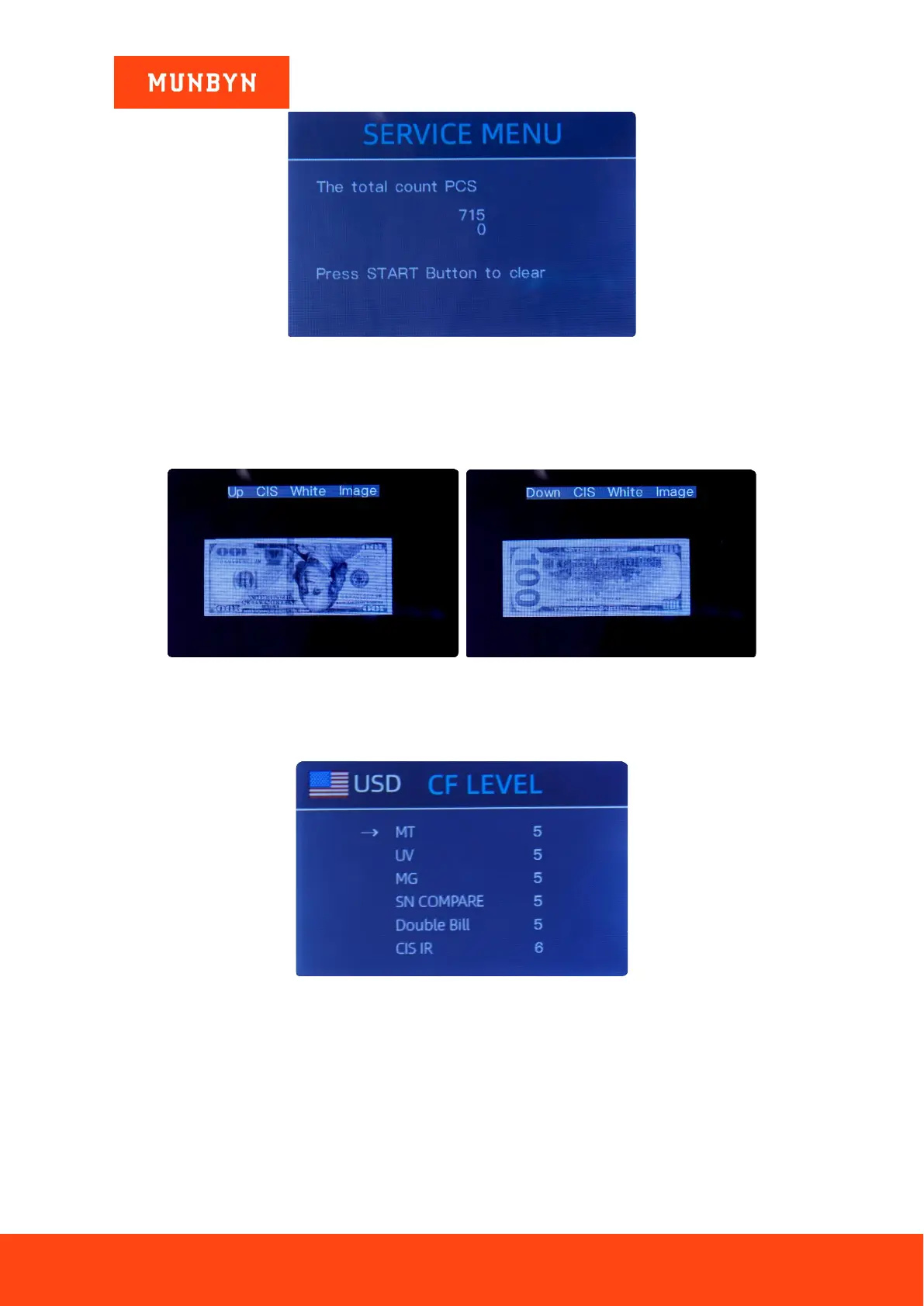
Figure 6-9 PCS Counted and Reset
6.1.7. Acquire CIS image
Press ↑ to browse the top CIS white image, and press ↓ to browse the bottom CIS image, as the following
figures show.
Figure 6-10 Acquire CIS Image
This is for servicing purpose.
6.1.8. Detection Level
Figure 6-11 CF Level
As shown in Figure 6-10, you can use the left and right direction key to select, and up and down direction
key to change the sensitivity levels in the sensors. The currency code in the right indicates the currency
you are operating.
Note: Please do not change without communicating with us.



 To Next Page