Panel setup menu VJ-2638/1638/1638W OPERATION MANUAL
206 5.1 Setup menu
5.1.27 Single Head menu
You can set whether or not to perform printing using only one Print head.
NOTE
• This printer has 2 Print heads inside Print head unit.
• Even if "Head 1" or "Head 2" is set, when performing the Test print menu, the both Print heads are
used for printing.
• When "Head 1" or "Head 2" is set, if "A-S. Fine&Wave" or "B-S.Fine&Wave" is selected, the
selected Print head is further divided for printing.
5.1.28 Heater Control menu
This function is to specify the heater control modes depending on the usages.
5.1.28.1 VJ-1638
Paper cocklings may occur during printing when heated. This can be minimized by selecting an
appropriate setting as follows.
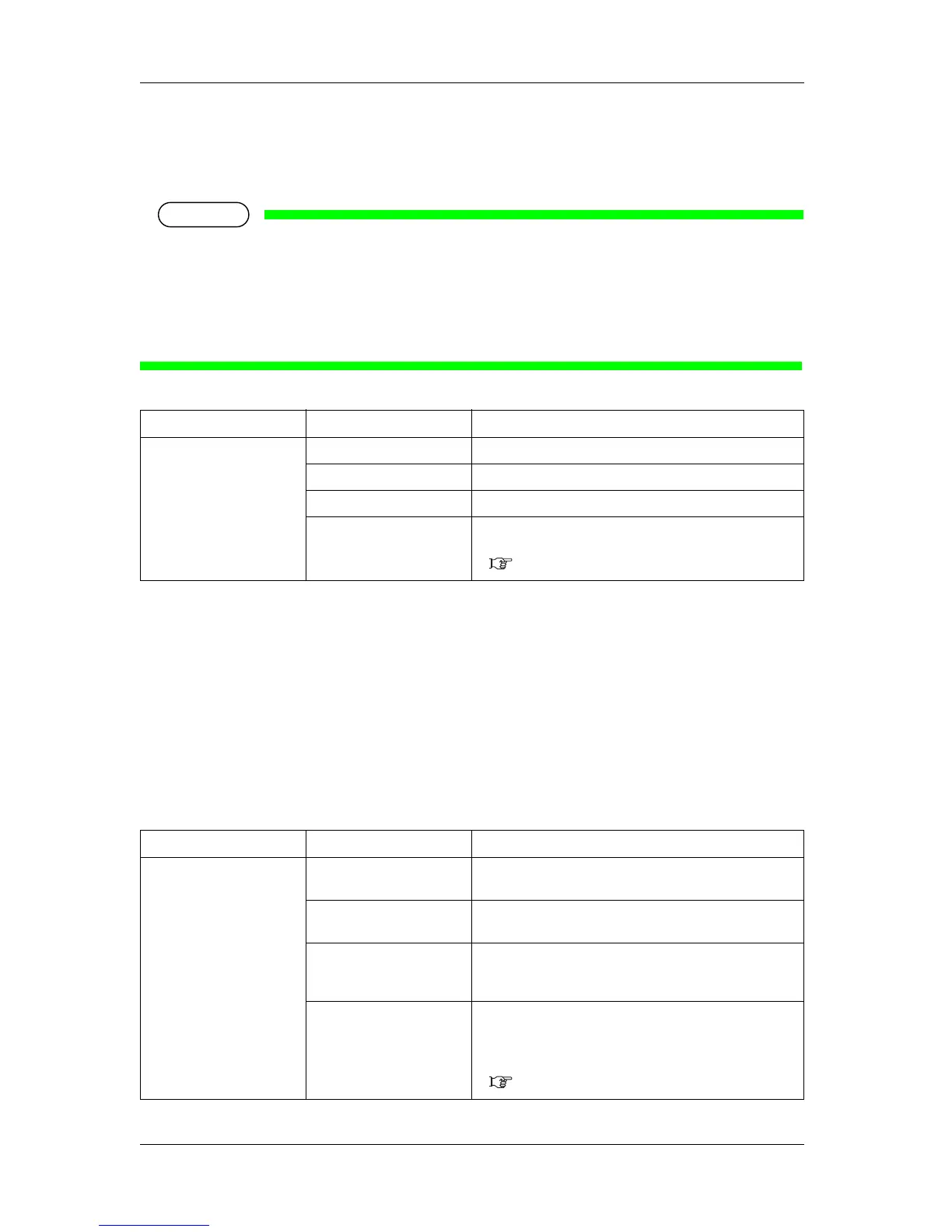
Setup Item Set Value Description
Single head <Off> Both Print heads are used for printing.
Head1 Only left Print head is used for printing
Head2 Only right Print head is used for printing.
—
• [Cancel] key: cancels the setting value and shifts to the
previous menu.
5.1 Setup menu
Setup Item Set Value Description
Heater Ctrl <Normal> Default setting.
Select Normal if paper cocklings do not occur.
Fixer Select Fixer to reduce waiting times before printing and paper
cocklings.
Dryer Select Dryer to keep the drying performance after printing
when using a Heavy-Duty Take-up Unit and minimize paper
cocklings.
—
• [Enter] key: saves the setting and shifts to the selected
menu.
• [Cancel] key: cancels the setting value and shifts to the
previous menu.
5.1 Setup menu















 To Next Page