VJ-2638/1638/1638W OPERATION MANUAL Before using
3.2 Turning the power ON/OFF 21
3.2.2 Turning the power OFF
Follow the procedure below to turn the printer OFF.
1. Verify the following regarding the operational condition of the printer.
• Printing or other operations are not in progress.
• Operation panel display is Normal.
• The Low lamp on Operation panel lights up in green.
• The High lamp on Operation panel is turned off.
NOTE
• If the High lamp on Operation panel lights up in green, the head height is set to High or Mid.
Return the head height to Low before turning the power OFF.
4.2.5.3 When setting the head height to Low
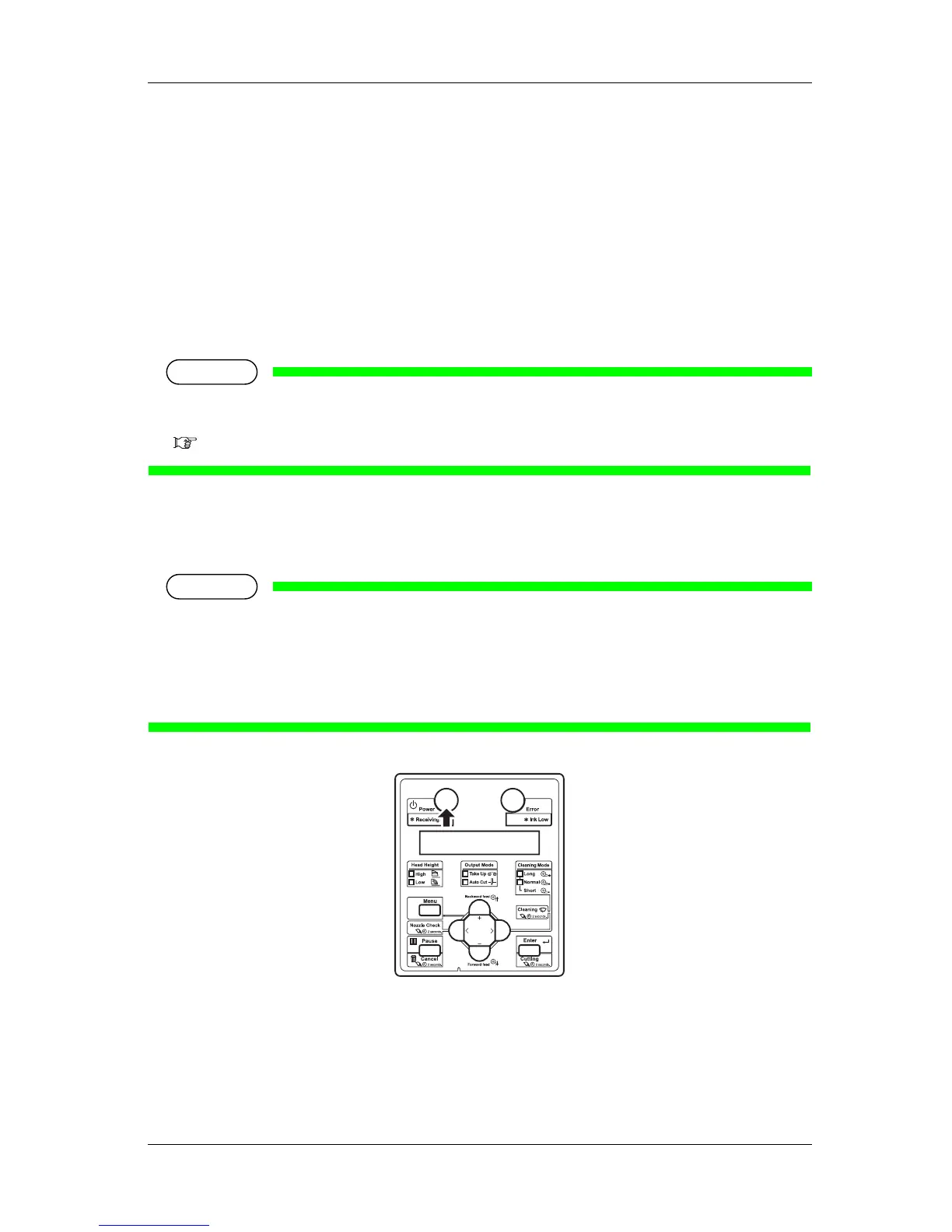
2. Press the [Power] key on Operation panel to turn OFF the printer.
• The Power lamp on Operation panel is turned off.
NOTE
• If Operation panel is in the following status, the power is ON.
• •The [Power] key is pressed in.
• •The Power lamp lights up in blue.
Press the key once again to turn OFF the power.
• The printer turns the power OFF.
• "Power Off" is displayed on Operation panel.















 To Next Page