Maintenance VJ-2638/1638/1638W OPERATION MANUAL
256 6.2 Cleaning the printer
6.2.4 Cleaning Cleaning wiper
This section describes how to clean Cleaning wiper.
(1) Time for cleaning
Once a week, or when blurs or lacking parts appear on printed media after Head cleaning.
(2) Cleaning procedures
Follow the procedure below to clean Cleaning wiper.
CAUTION
• Turn on the printer and then clean Cleaning wiper.
NOTE
• Use Cleaning stick to clean Cleaning wiper.
For details of Cleaning stick, refer to
8.3 Options/Supply list.
1. Turn on the printer and then check the followings.
• Printing or other operations are not in progress.
• Operation panel display is Normal.
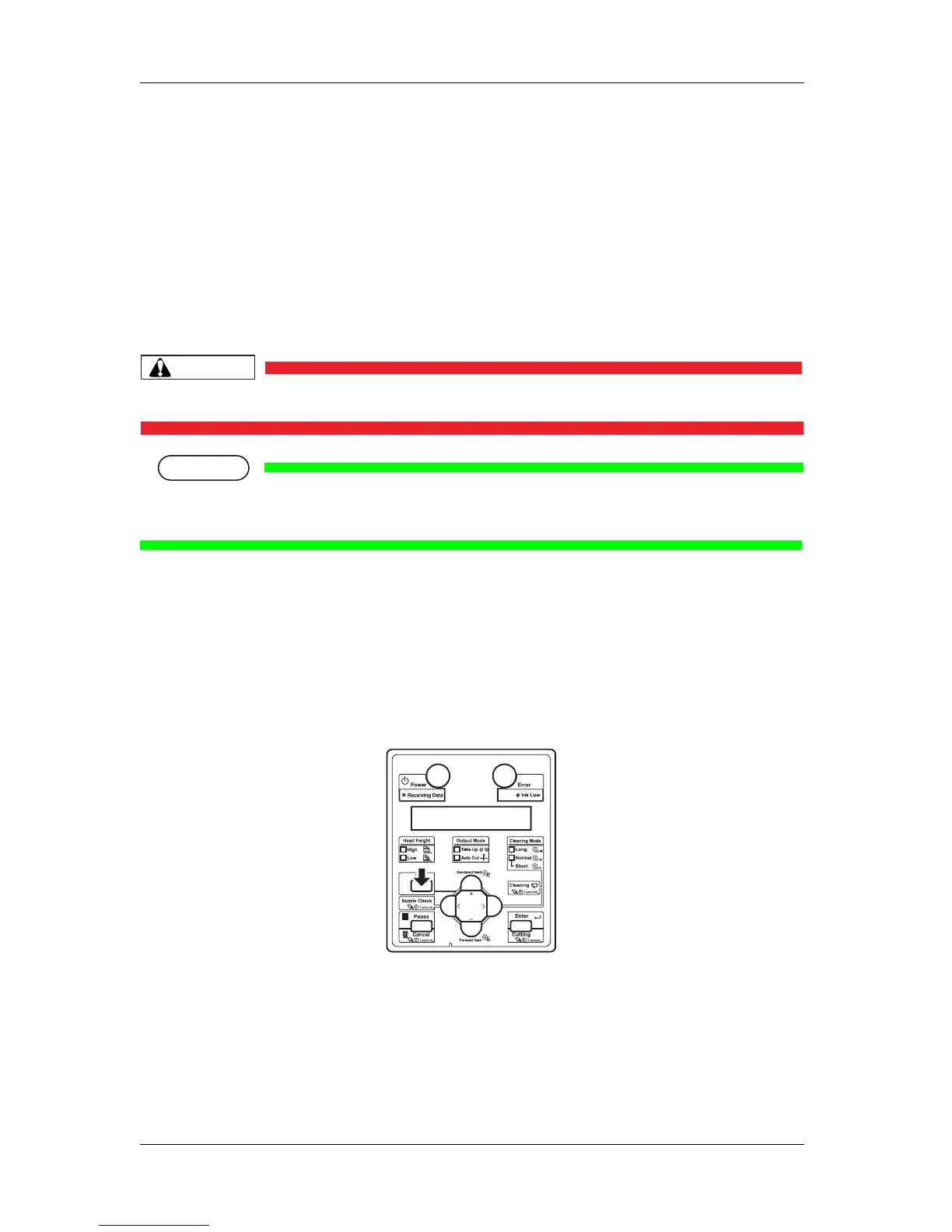
2. Display the CR Maintenance menu on Operation panel.
a. Press the [Menu] key on Operation panel.
• "Menu1: Setup>" is displayed on Operation panel.
• Operation panel shifts to the Setup menu display.















 To Next Page