Before using VJ-2638/1638/1638W OPERATION MANUAL
22 3.2 Turning the power ON/OFF
NOTE
• If the head height is set to High or Mid, "Set Height to Low" is displayed on Operation panel, and
the printer stops the procedure to turn the power OFF.
To restart the procedure, return the head height to Low.
4.2.5.3 When setting the head height to Low
• All the lamps on Operation panel and the LCD monitor are turned OFF.
• The printer automatically turns the power OFF.
NOTE
• If there is a problem during turning OFF operation, a message is displayed on Operation panel and
the printer may stop operating.
If operation stops, refer to
7 Troubleshooting and deal with the problem.
• After turning OFF the printer, wait for ten seconds or longer to turn it ON again.
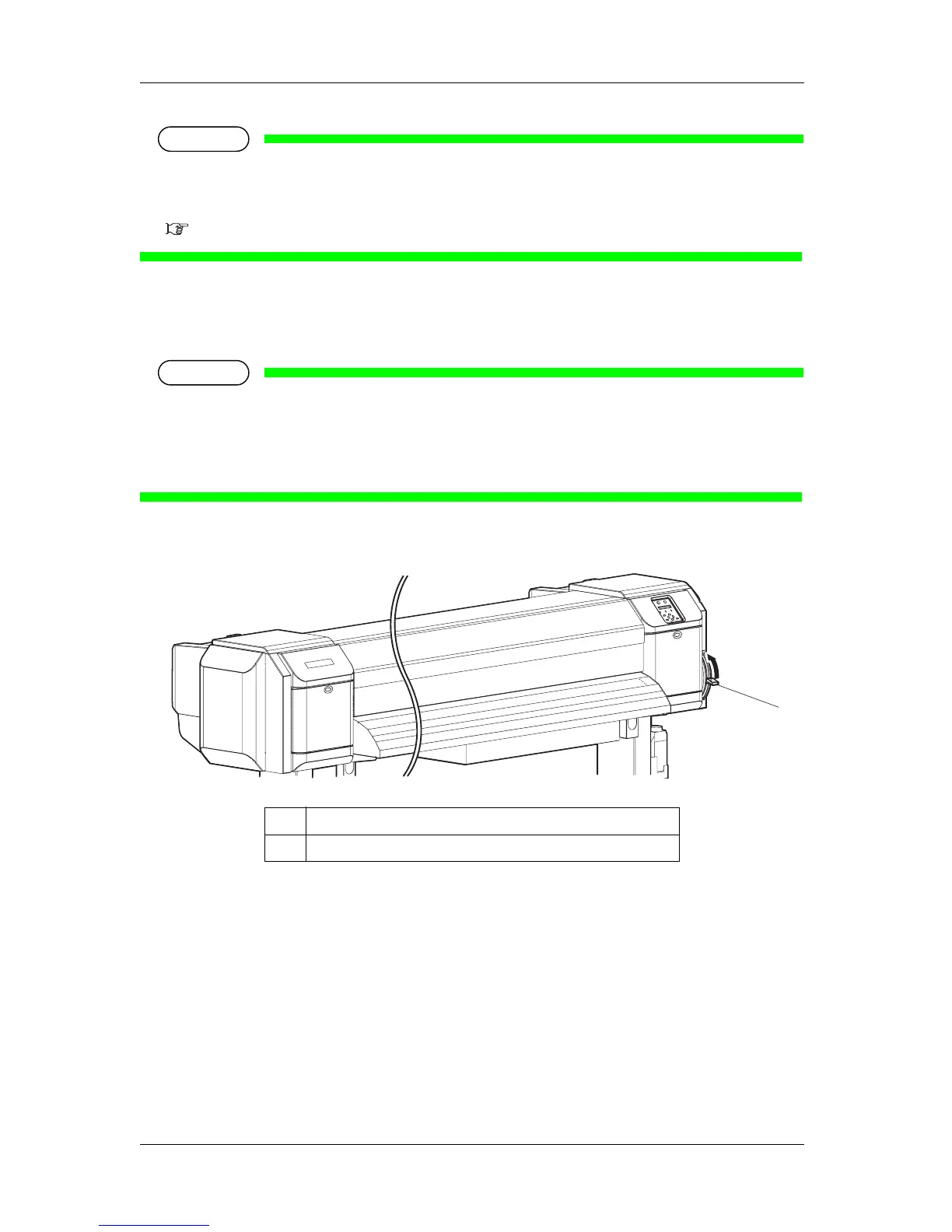
3. Raise the media loading lever when the printer is not used for a long time.
No. Name
1 Media loading lever
1















 To Next Page