VJ-2638/1638/1638W OPERATION MANUAL Before using
3.1 Power cord set connection 17
NOTE
• The power is ON when the [Power] key of Operation panel is pressed in.
Press the key once again to turn OFF the power.
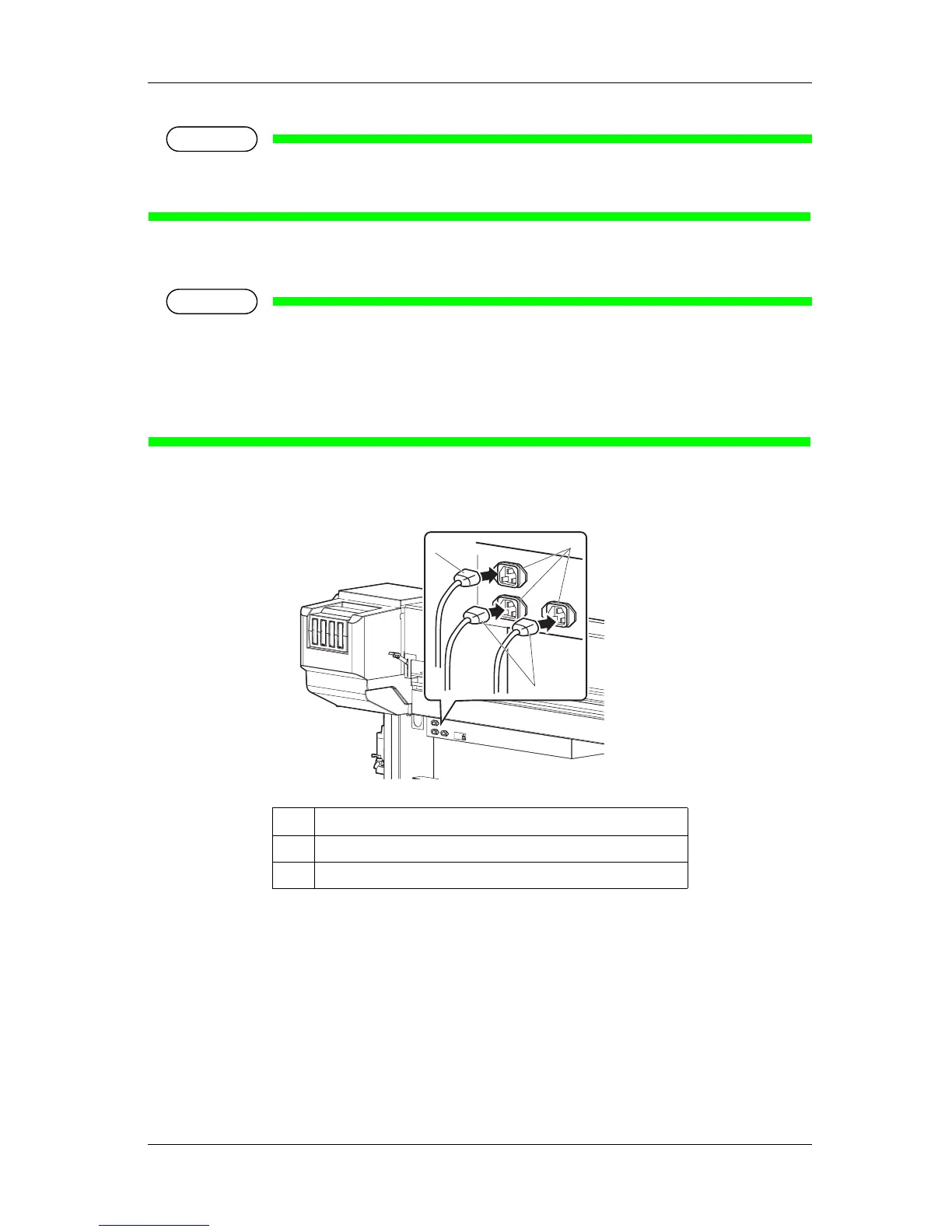
2. Connect the power cord set to the AC inlet(s) located on the right side of the printer.
NOTE
• The number of AC inlets differs depending on the printer model
• VJ-2638 : 3 locations
• VJ-1638 : 2 locations
• VJ-1638W : 1 location
<VJ-2638>
No. Name
1AC inlet
2 Power cord set
1
2
2















 To Next Page