Before using VJ-2638/1638/1638W OPERATION MANUAL
64 3.4 Loading media
TIP
• Refer to the following for setting the media.
3.4.2 Setting Roll Media
• Refer to the following for details on the User Type Setting menu.
5.1.1 User Type menu
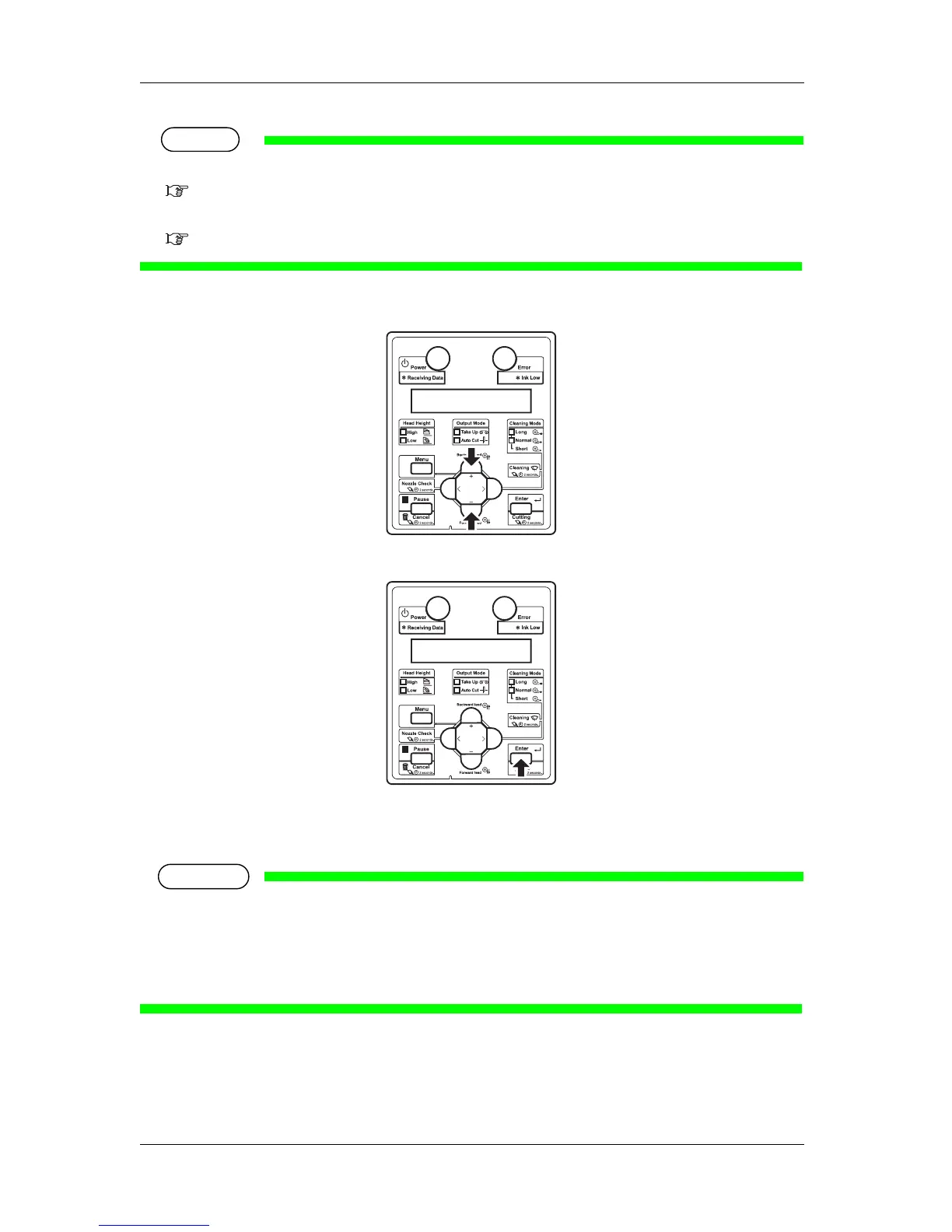
2. Press the [+] key or [-] key on Operation panel to select the User Type Setting.
3. Press the [Enter] key on Operation panel.
• The user type setting is set.
• "Media Initial" is displayed on Operation panel and media initialization starts.
NOTE
• If the following operations are performed in the User Type Setting menu, the printer starts media
initial operation without changing the User Type setting.
• Pressing the [Cancel] key on Operation panel.
• No keys on Operation panel are pressed for ten seconds.
• After media initial operation is complete, "Ready to Print" is displayed on Operation panel and
the printer status shifts to Normal.
• Media set is complete.















 To Next Page