VJ-2638/1638/1638W OPERATION MANUAL Before using
3.5 Test print 69
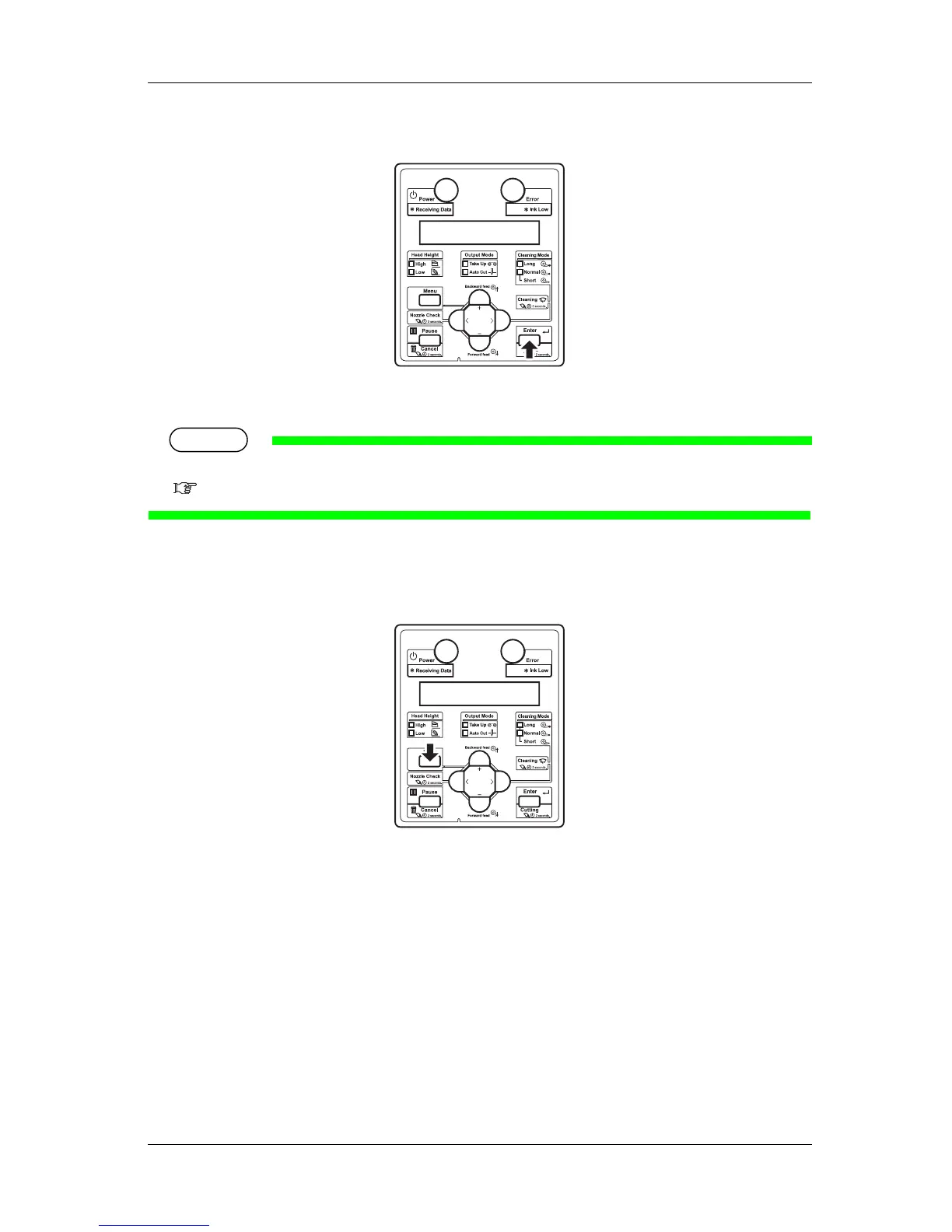
5. Press the [Enter] key on Operation panel.
• Start performing Test Print for the selected item.
TIP
Refer to the following for details on each of the print list items.
3.5.1 Nozzle check to 3.5.3 Setup print
6. Repeat step 4 to step 5 when performing test print for other items.
7. Press the [Menu] key on Operation panel to exit from test print.
• Operation panel returns to Normal.
• The procedure for test printing is complete.















 To Next Page