ValueCut Kullanım Kılavuzu
Illustrator Plug-In A-5
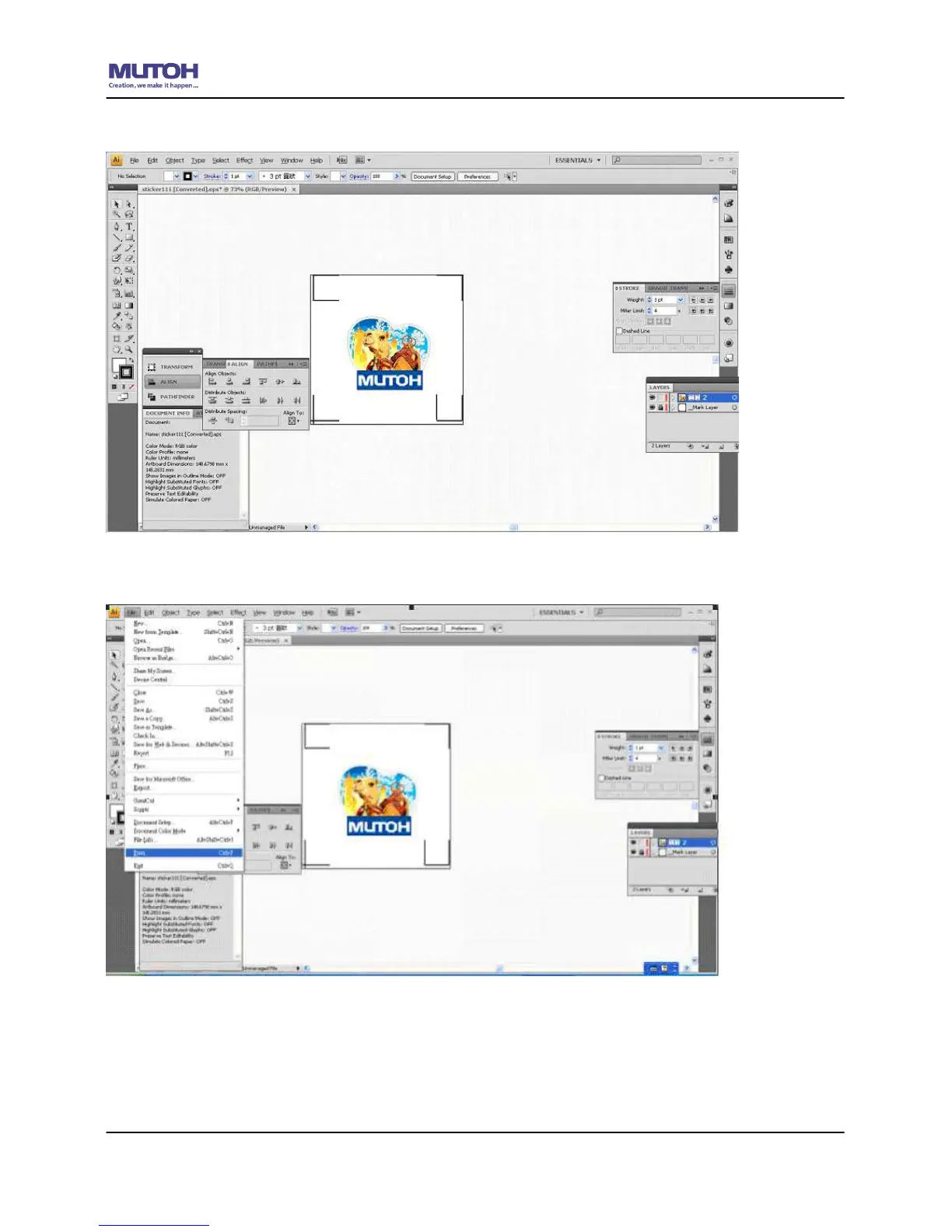
11) This will take you back to the edit mode.
12) Print out the file with the contour line and the registration marks.
13) Place the printed file on the cutter, lower the pinch rollers and then position the carriage at
the origin of the registration marks.
14) Send the file to the cutter.










 To Next Page