OPERATION 4
4
EN
WARNING
The operation must be performed while the engine is
not running, the gears are in neutral, the motorcycle
is stationary, and with the feet on the ground. Do not
set the display functions while riding, except where
otherwise indicated.
- 68 -
4.4.1. Selecting the display functions
The following settings may be changed
on the display:
•
“RUN”
(Odometer)
• “SPEED LIMITER”
• “TC” (Traction control)
• “CHRONO” (Chronometer)
• “QUICK SHIFT” *
• “CLOCK” (Clock)
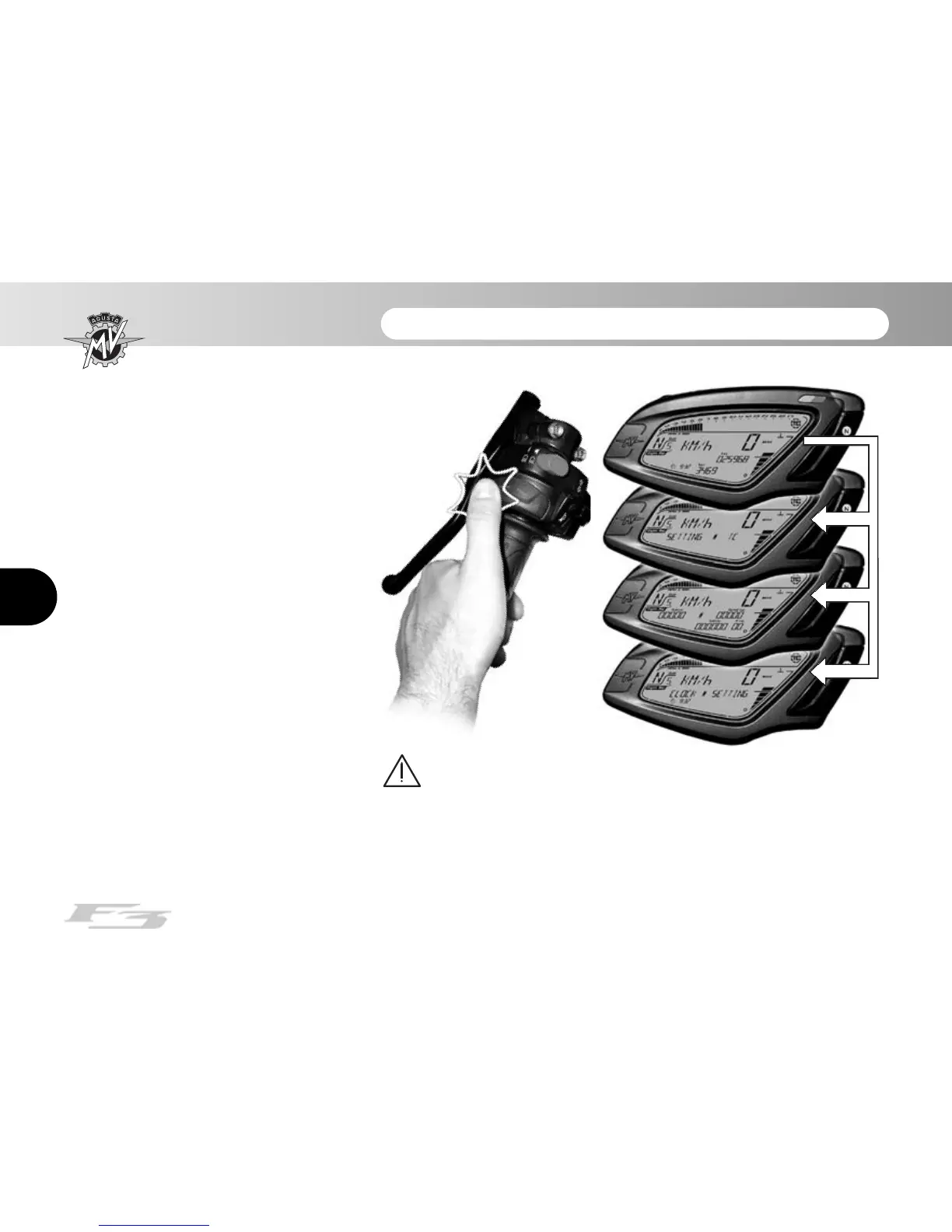
To display the operating modes, press
“SET” for less than three seconds.
When pressed, the display shows all
modes, in a sequence. Select the
desired mode.
(*): This function is present only
on certain models; available
in aftermarket on all models




 To Next Page