- 89 -
OPERATION 4
4
EN
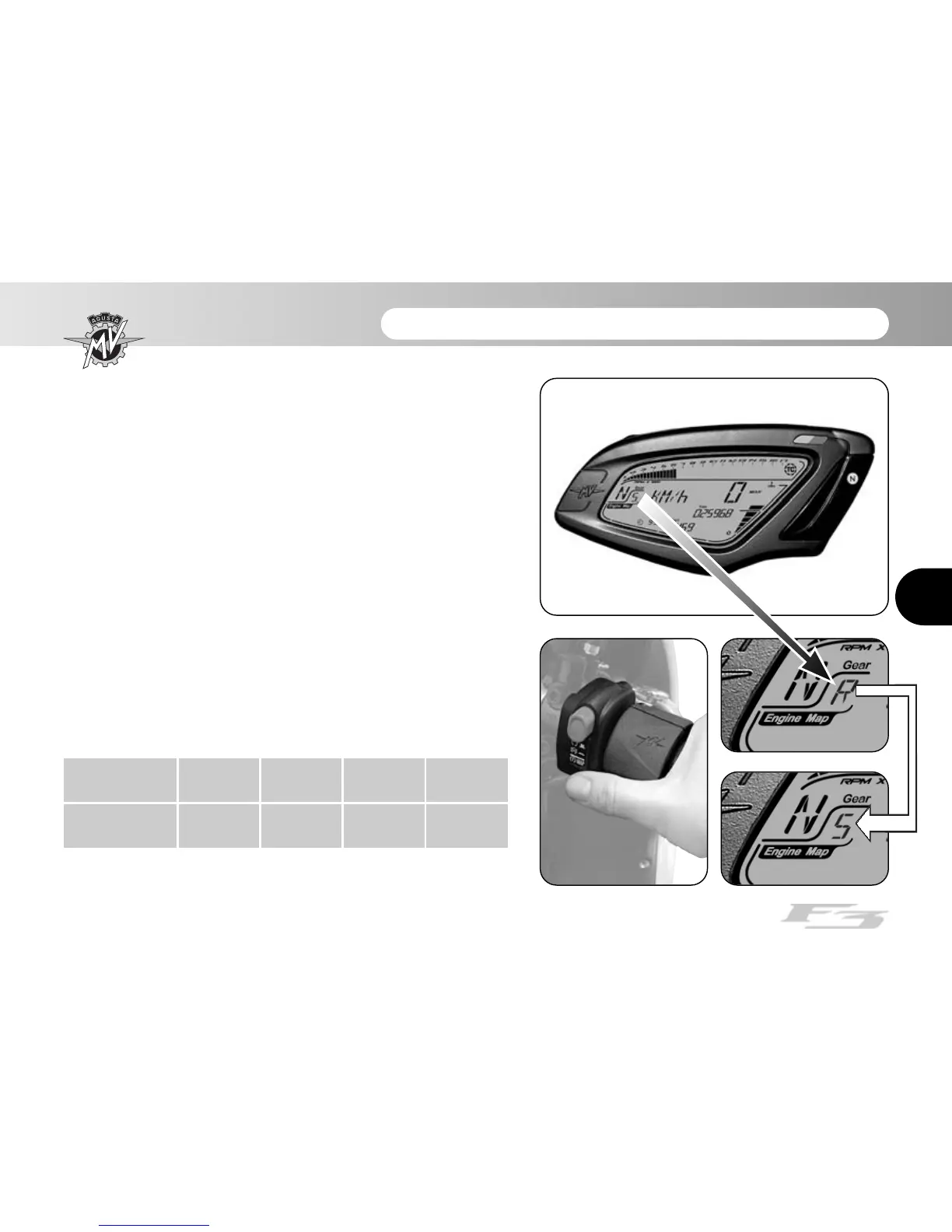
4.4.8. How to select the mapping of the control unit
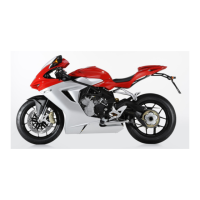
On the F3 model is it possible to select different control
unit mappings which allow to obtain variable power and
performance characteristics based on the type of vehi-
cle use.
NOTE
The mapping selection may be performed
even during the use of the vehicle.
The mapping of the control unit can be selected by
pressing the start button when the engine is switched
on; this way the mapping switches to the following setting
value. The corresponding mapping characteristics are
listed in the following table.
Mapping
Mode
N
Normal
R
Rain
S
Sport
C
Customised









 To Next Page