- 88 -
OPERATION 4
4
EN
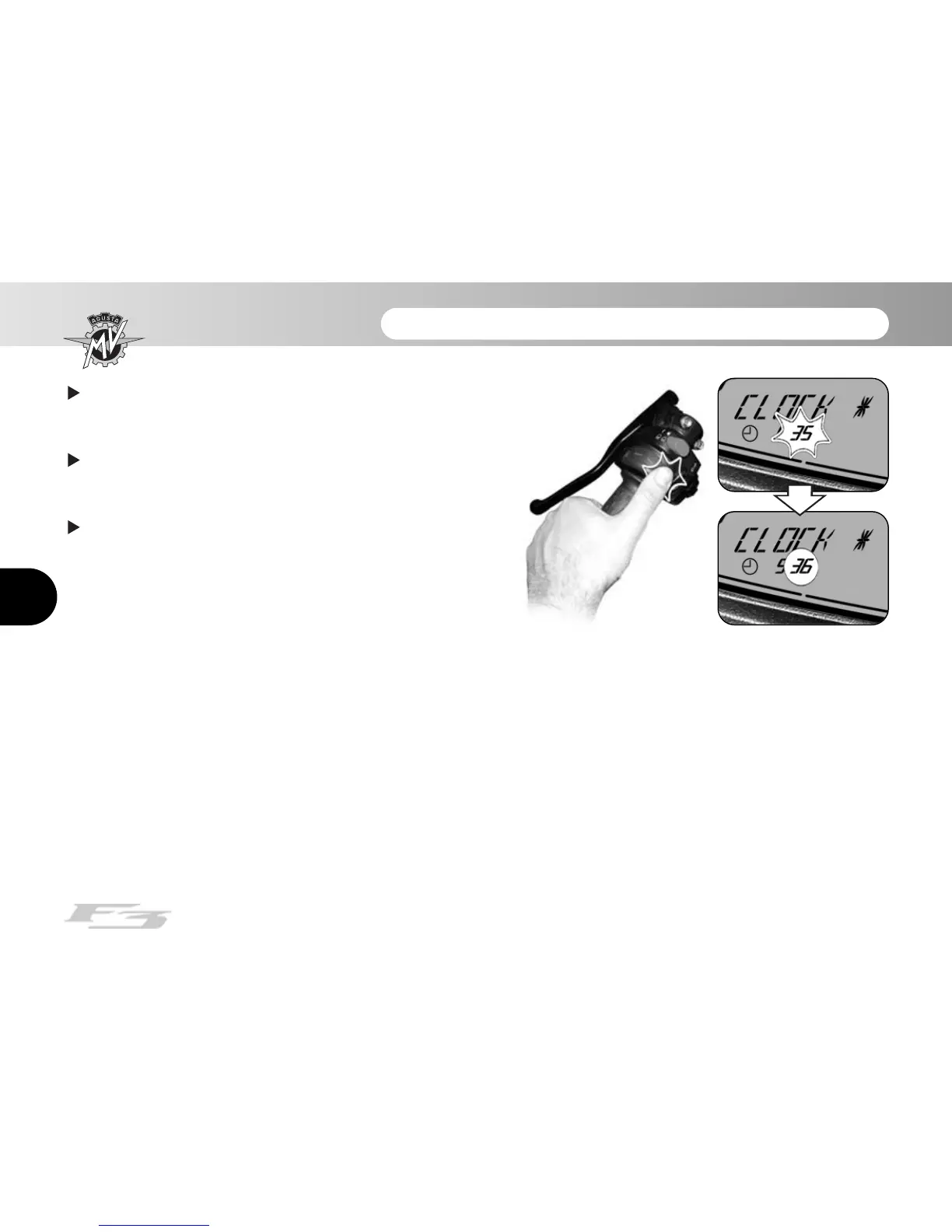
After having carried out the hour digit setting, the
dashboard automatically switches to the minute digit
setting. The minute digit begins to flash.
By pressing the "OK" button for less than three
seconds, the minute digit is increased by going to the
following numeric value.
Press the "OK" button for over three seconds; the
selected minute digit is confirmed and the dashboard
returns to "CLOCK" mode. If instead one presses the
"SET" button for less than three seconds the setting
procedure is interrupted.














 To Next Page