- 82 -
OPERATION 4
4
EN
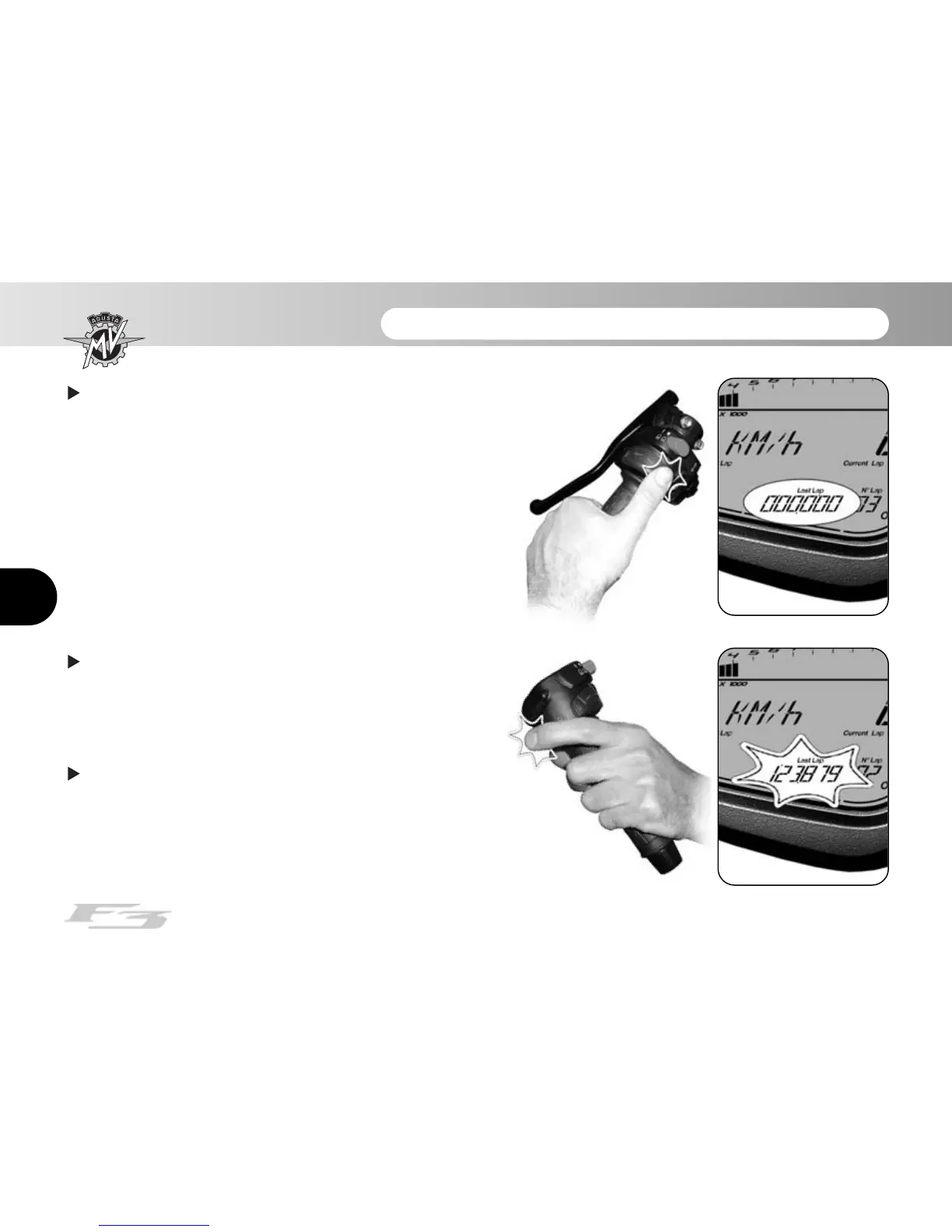
Now, press “OK” for over three seconds to delete the
value. Otherwise, press “SET” for less than three sec-
onds to stop the deletion procedure.
Subsequently, by pressing the flashing high beam
headlight key followed by the “OK” key for more than
three seconds, all the previously acquired times can be
cancelled.
Once all the data have been cancelled, press the
“SET” key to return to the “LAPS VIEW” mode and then
to the following mode.














 To Next Page