- 91 -
OPERATION 4
4
EN
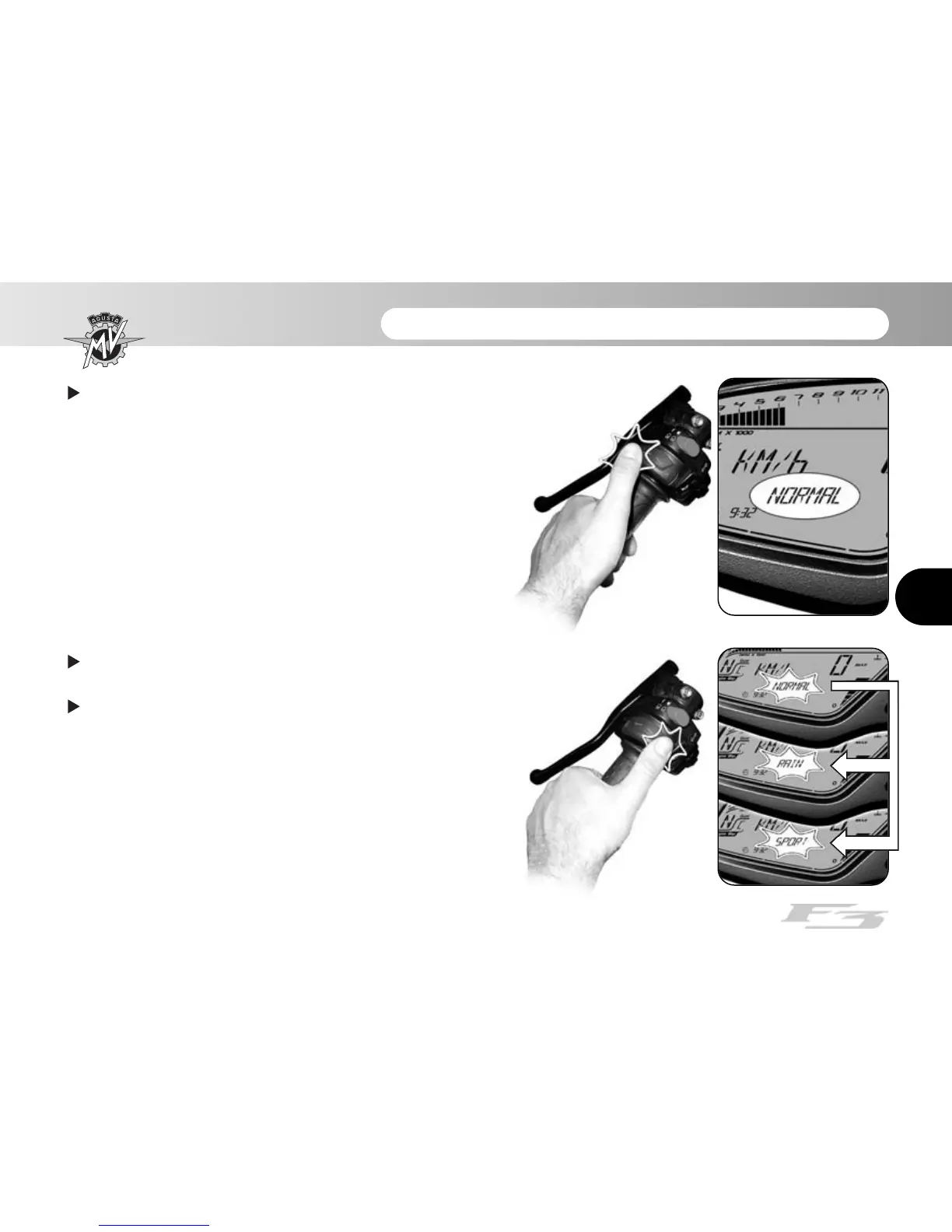
Press “SET” for less than three seconds.The
display shows the current setting for throttle control
sensitivity.
Press “OK” for less than three seconds; the
displayed setting will start flashing.
By repeatedly pressing “OK” for less than three
seconds, the following settings can be displayed in
sequence:
•
“NORMAL”
• “RAIN”
• “SPORT”










 To Next Page