PRODUCT MANUAL iCOOK - DT.MP.IC.2201.2
a) The oven does not connect to the Wi-Fi network:
Make sure the router is working and that the password is correct.
b) If the Wi-Fi network is currently not available:
You can use the mobile phone as an access point to connect (Internet Hotspot
mode).
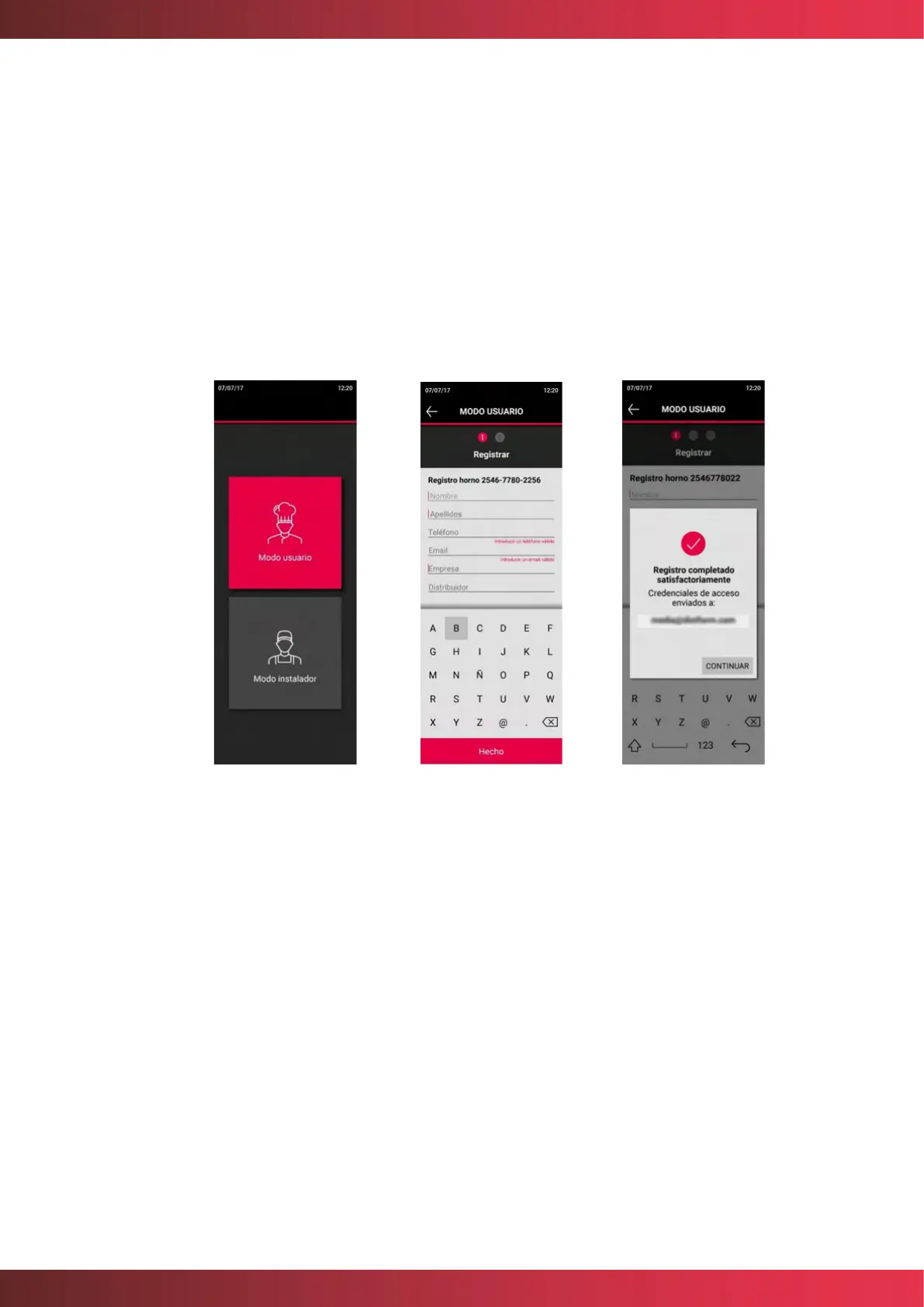
3. Choose “User Mode” to create an account and register the oven.
• Make sure you enter a valid email address to receive the access credentials.
• All fields must be completed.
4. If you already have a user account: enter the email address and password. The oven will
sync.



 To Next Page