PRODUCT MANUAL iCOOK - DT.MP.IC.2201.2
In all cooking modes it is possible to humidify the chamber at will, through the direct
injection of steam through the drop-down menu, in options:
Temperature cooking and time control
The temperature and time control mode is the simplest, we simply choose a temperature
and time by pressing the display after pressing the TEMPERATURE and TIME buttons
respectively.
When the circular button START/STOP is pressed, the oven will start heating the chamber
and stop after the set time has elapsed.
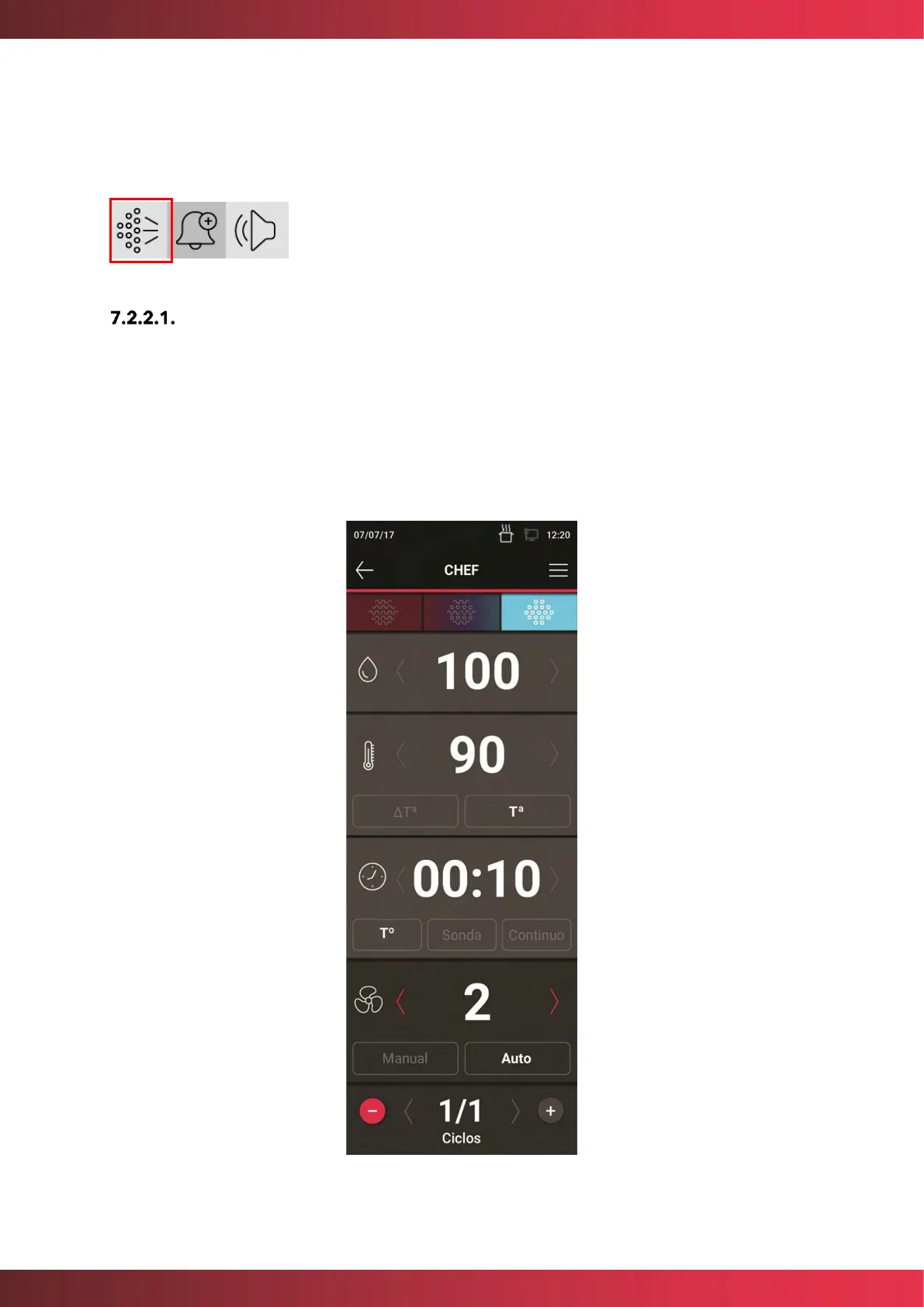
Example of cooking at 90ºC for 10 min:
Figure 9. Example. Cooking 90ºC in steam mode for 10 minutes



 To Next Page