PRODUCT MANUAL iCOOK - DT.MP.IC.2201.2
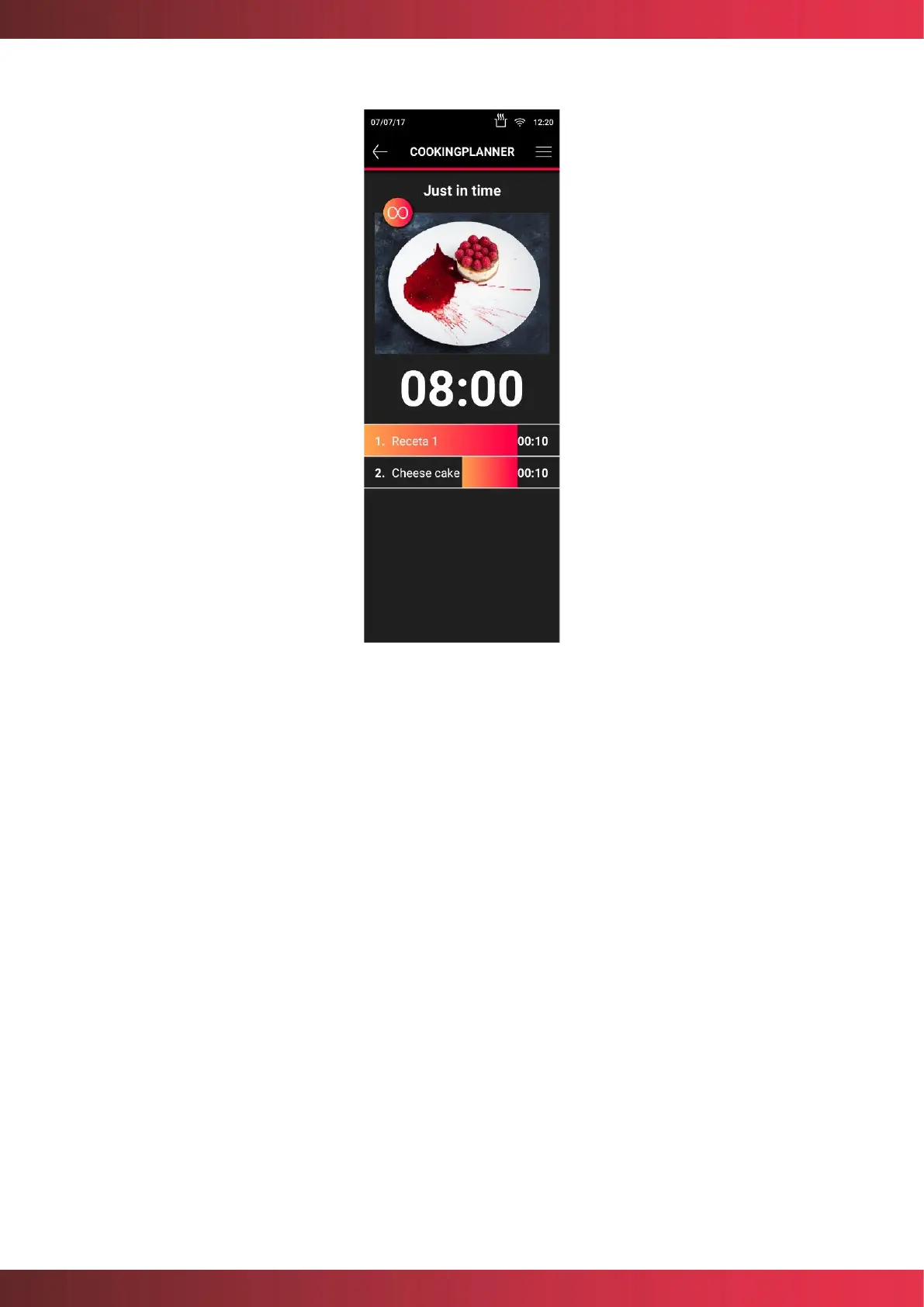
Figure 24. JustInTime option
Any cooking process can be interrupted without interfering with the other loads.
At the end of a cooking process, both in Multilevel and JustInTime, the screen will show in
green which of the trays is to be extracted, in order to continue cooking. Performing the
action of opening the door, pulling out the tray and closing the door.
Probe cooking is permitted only on one of the trays. In this case, the cooking of this tray will
end when the temperature set for the probe is reached.
To display the total number of trays, it is possible to slide by pressing on the screen.
7.4.1. Save CookingPlanner
You can save a list of recipes in Multilevel or JustInTime under "My Recipes", either after
loading all the recipes you want to cook, through the save option in the header, or once the
process is finished, as shown below:



 To Next Page