PRODUCT MANUAL iCOOK - DT.MP.IC.2201.2
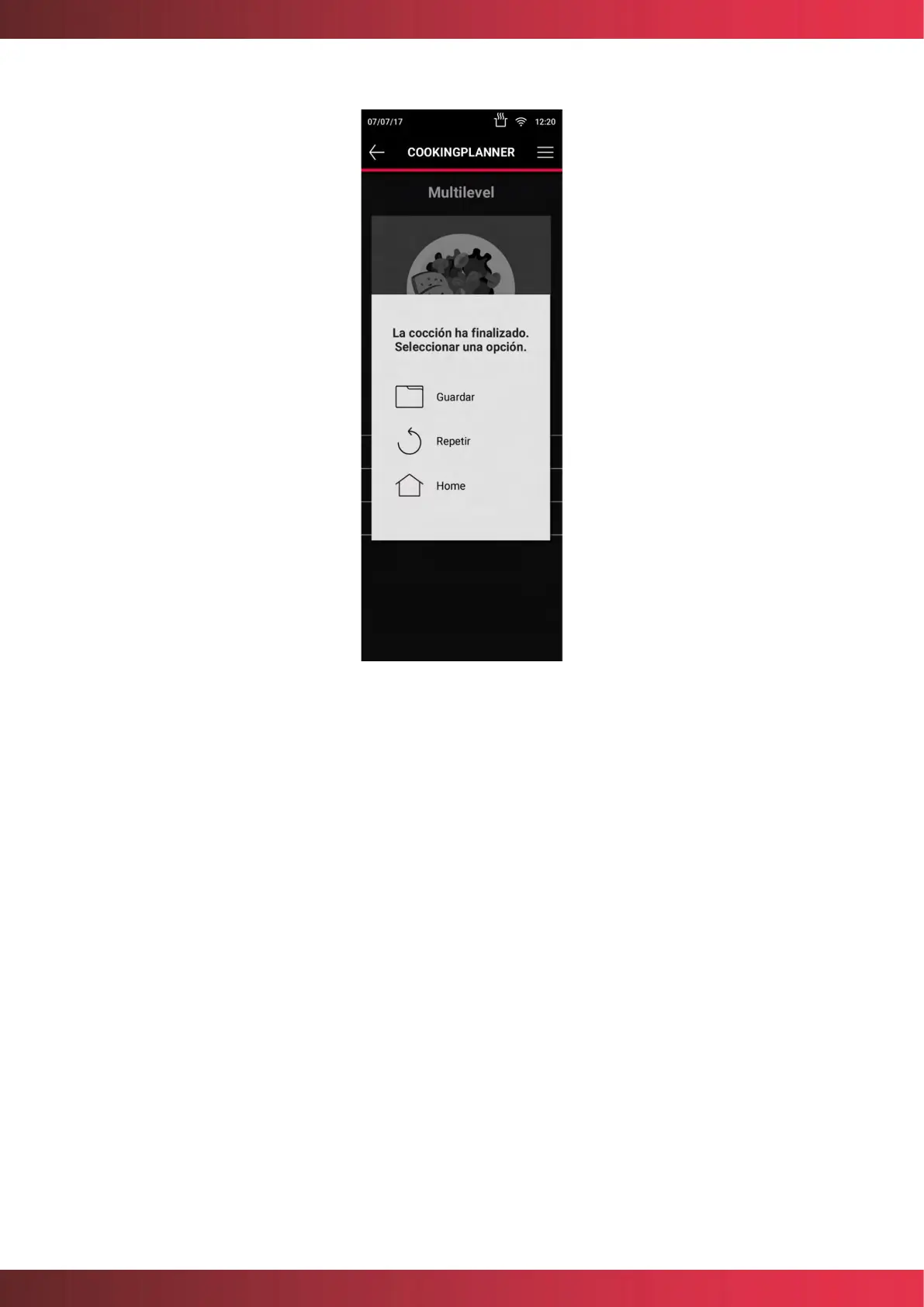
Figure 25. Save recipes list after cooking is finished
7.5. Regenerate
The regenerating mode allows the regeneration of almost all types of previously cooked
foods, where they are finished cooking and prepared to be served, for this purpose the
foods can be already arranged in plates or containers. You can select to regenerate
manually with the "Chef Mode" or assisted "SmartCooking Mode".
- Chef Mode: To start this mode it is necessary to adjust the Humidity, Temperature
and Time parameters and press the circular button START/STOP. The fan speed will
be adjusted automatically. Once regeneration is complete, a maintenance cycle
starts at 65°C, which will end only when the circular button START/STOP is pressed.
Note: For temperature settings below 160°C the use of probe is recommended.



 To Next Page