PRODUCT MANUAL iCOOK - DT.MP.IC.2201.2
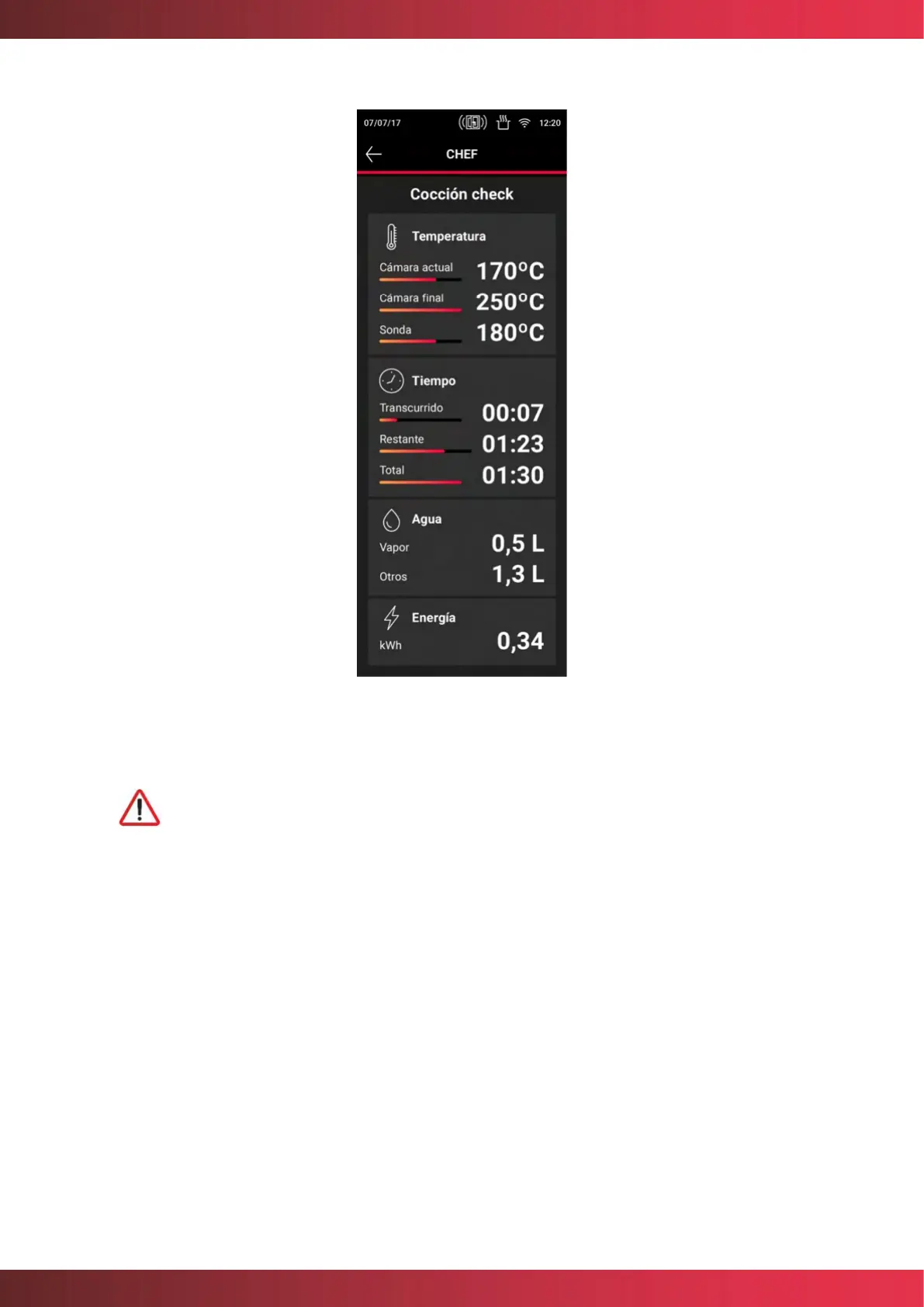
Figure 14. Cooking parameters settings
When the oven is in the process of cooking controlled by means of a core
probe, the chamber temperature display shows the temperature to be
reached in the chamber, and the core probe display shows the actual
temperature of the food.
Fan speed selection
In any cooking mode, the user can select the fan speed that best suits his needs. To do this,
press the fan speed parameter where it will be possible to select from several options:
Auto mode: The fan speed will be adjusted automatically according to the type of cooking
being carried out, optimizing the cooking result.
Manual Mode: This mode allows you to select the fan speed from a range of 4 speeds.



 To Next Page