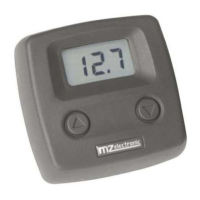
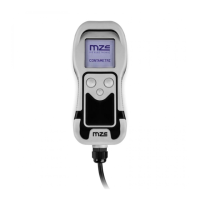
Use
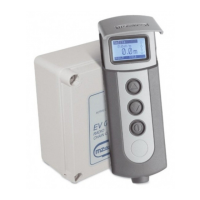
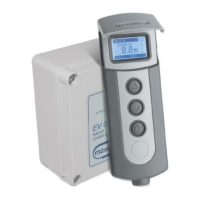
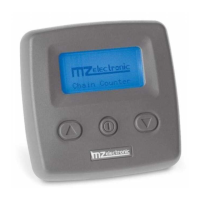
Press the (ON) key to activate controls and to switch on the display lighting. The display lighting
switches off 15 seconds after the last command given (adjustable default time – see “BkLight Time”).
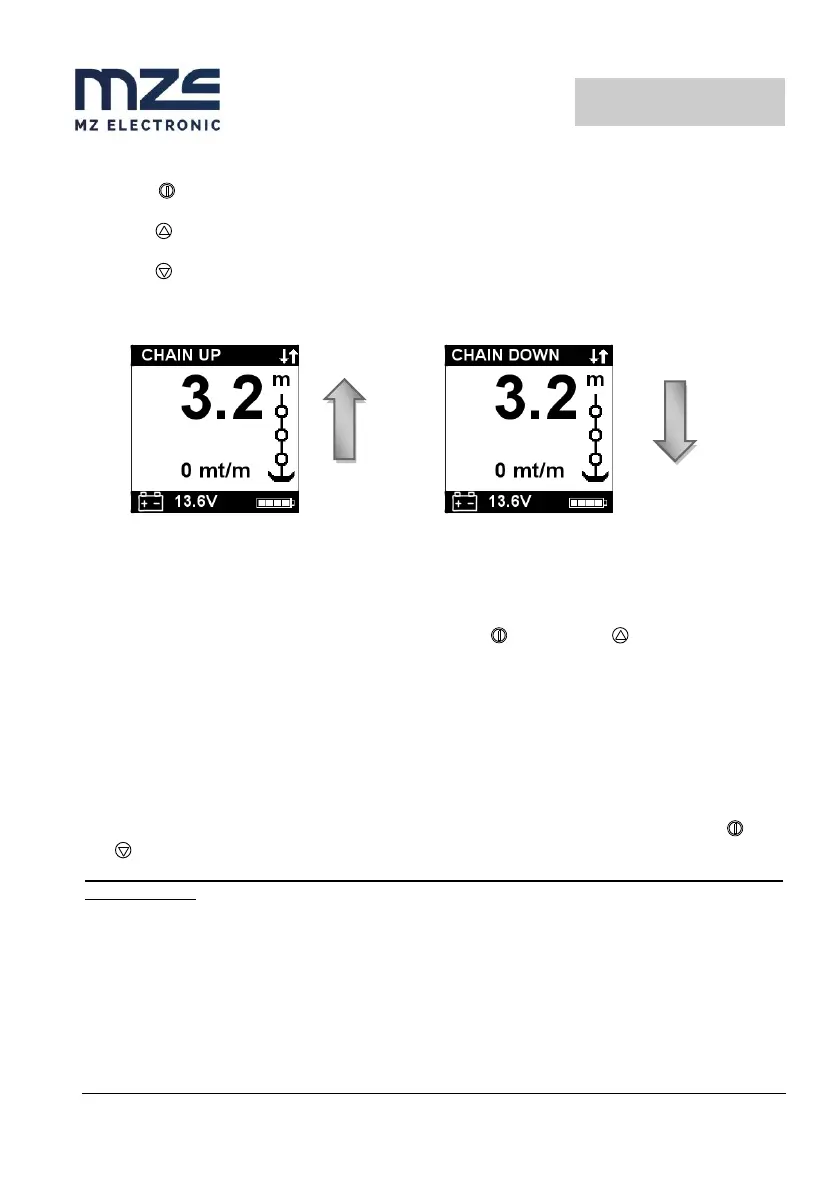
Press key (UP) to control the anchor ascending.
Press key (DOWN) to cast anchor.
When any key is released (UP or DOWN) the corresponding action is stopped.
Measurement reset
To reset the measurement count simultaneously press the (ON) and the (UP) keys for at least
three seconds.
Measurement reset may also be performed in the Measurement menu by selecting “Yes” in the Reset
Measure row.
Automatic casting of the anchor
This function must be enabled in the Alarms and Functions menu (disabled by default).
Select the row “Auto Down” and set the value at which the anchor must stop. Then press the (ON)
and (DOWN) keys for at least three seconds. Once anchor casting has commenced, release the keys.
For safety reasons it is however possible to interrupt automatic descent by pressing any
instrument key.
When any of the thruster buttons are pressed, the thruster screen is displayed; an arrow next to the
thruster and the moving propeller icon indicates which thruster is being driven and in which direction.


 To Next Page