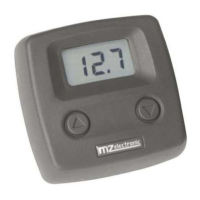
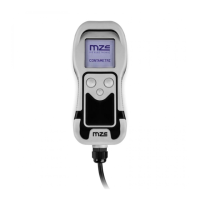
Chain counter setting menu
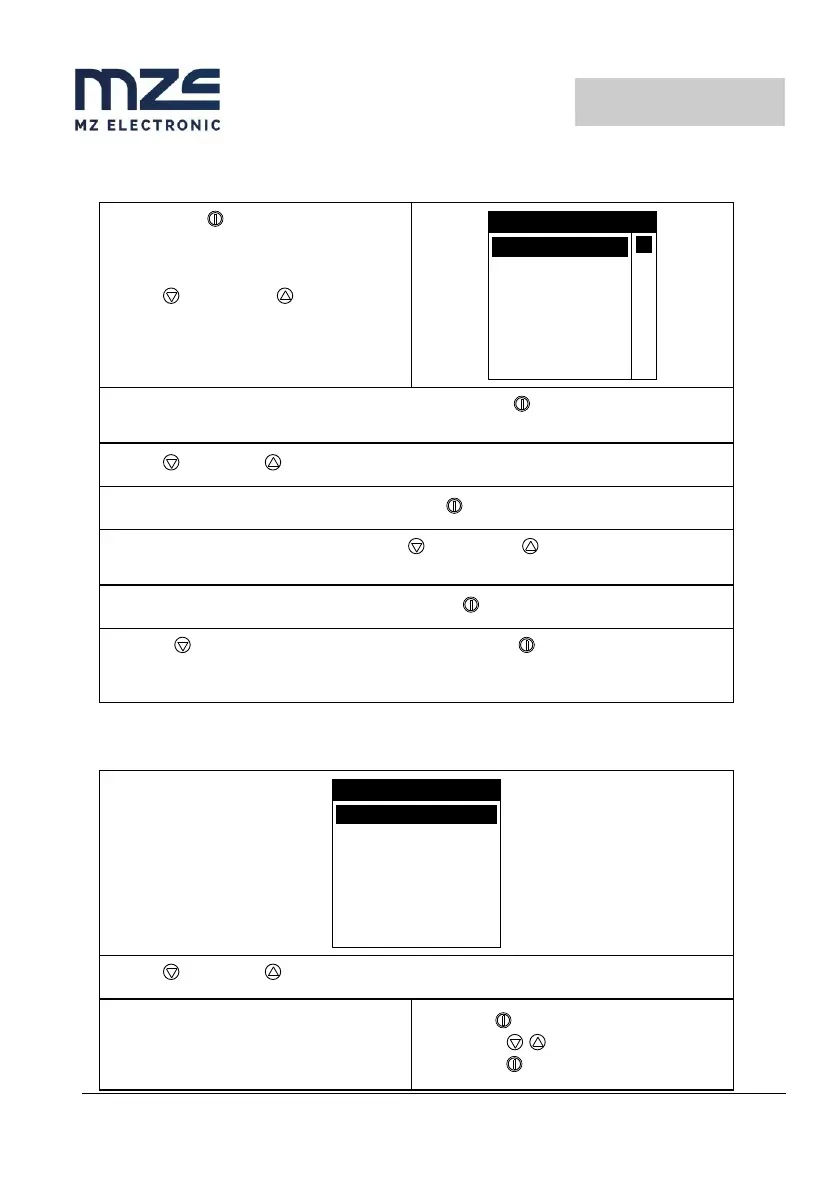
Hold down the (ON) key for six seconds
to access the instrument setting menu. The
following page will appear on the display:
Use the (DOWN) and (UP) keys to
move around the menu options.
MENU
MEASURE
FUNCTIONS
SETTINGS
SENSOR
CAN
WORKING MODE
Once you are positioned on the item to be modified press the (ON) key to confirm your
choice.
Use the (DOWN) or (UP) keys to move from one parameter to another.
Once one is positioned on the parameter press the (ON) key to enable modification.
According to the type of parameter, using the (DOWN) and (UP) keys it is possible to
reduce/increase the value of the same or disable/enable the function.
Once the modification has been performed, press the (ON) key to confirm.
Using the (DOWN) key go to the Exit option and press the (ON) key again to return to
the setting menu. The same procedure must be used to return to the main page.
Use the (DOWN) or (UP) key to move around the parameters.
Mode
Selects the working mode:
• Windlass (WND)
• Capstan (CAP)
Select with
Change with
Confirm with


 To Next Page