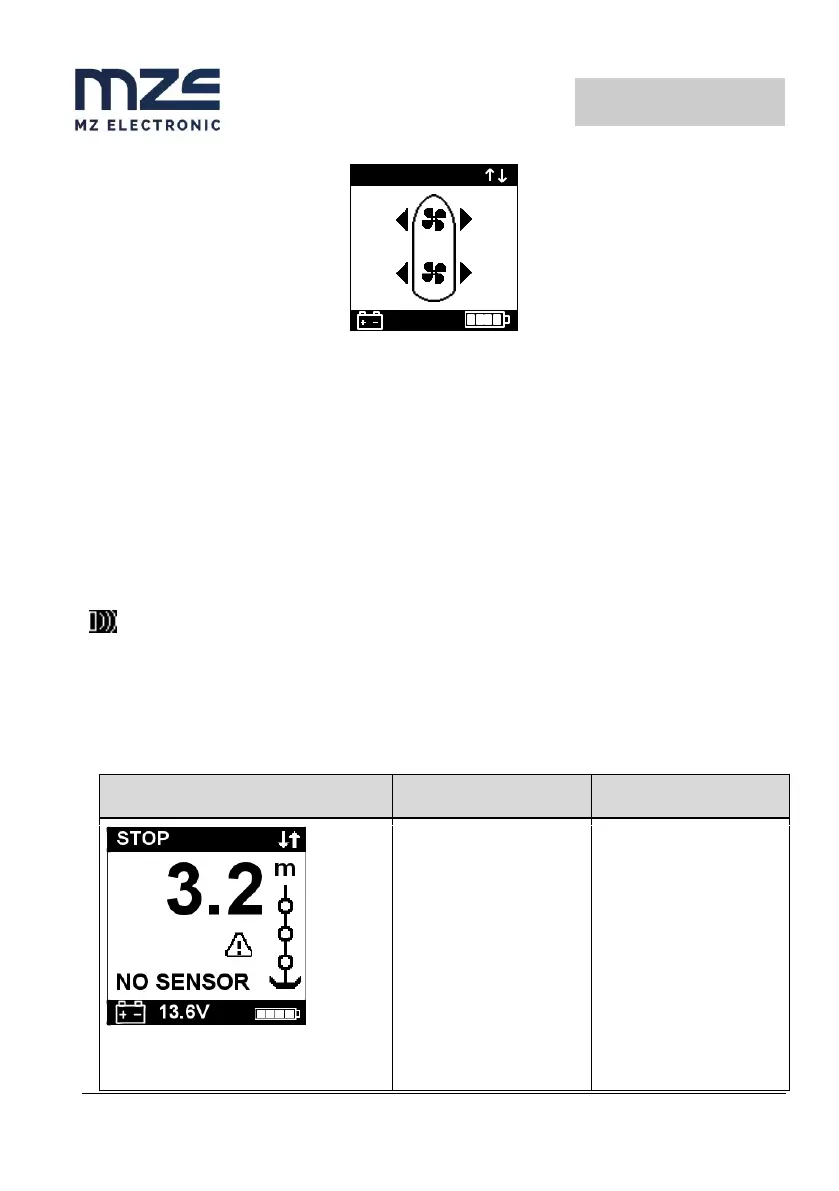
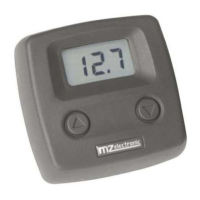
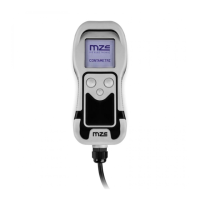
To return to the winch screen, simply press any of the two winch operation buttons, Up or Down.
It is not allowed to simultaneously press the two buttons of a thruster that operate the motor in opposite
directions while it is possible to independently control the two thrusters in the same direction for the
translational motion or in different directions for the rotary movement.
Charging
Place the transmitter on the charging base: the back of the transmitter must be in direct contact with the
rubber surface of the charging base.
Connect the USB cable to a powered USB port.
When the transmitter is charging, the charging icon appears on the display:
The charging process is complete when the charging icon disappears.
Troubleshooting
Though UP or DOWN keys
are pressed, the instrument
doesn't receive any signal
from the magnetic sensor
for more than 5 seconds.
Check the sensor electric
connections.
Check if sensor operates
properly. If not, replace it.
Check the position of
sensor and magnet on
gipsy and their distance (3
mm).
Check the operation of
electric installation or
anchor windlass.


 To Next Page