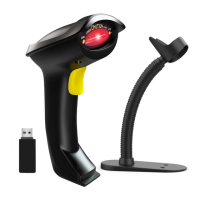
STEP4. Test the scanner using Microsoft Excel , click on any cell and then scan a
barcode to see if the barcode comes up on the cell.
FAQs:
Q1. If i scan a product barcode, will it include the name of the product in the file
automatically?
Answer:
The scanner works like a keyboard. The scanner does not interpret what the barcode is,
it just "types" out a string of alphabet numeric characters that the barcode represents.
it's up to the database software you are using to interpret what that string of characters
means. Once you acquire the barcodes, you have to correlate them to something more
meaningful by either purchasing a software service that will interpret the barcode and
relate it to a product, or you can use your own internal inventory system to assign the
barcodes to specific products.
After creating the relationship between your barcode and the corresponded
information ,when you enter the barcode into the software by the scanner,your
software will look up the barcode and then output the related information of your
product.
Q2. Why all barcode can not be read?
Answer:
After resetting the scanner into factory settings, the scanner was set to bluetooth mode
by default.


 To Next Page