Optional Function Settings
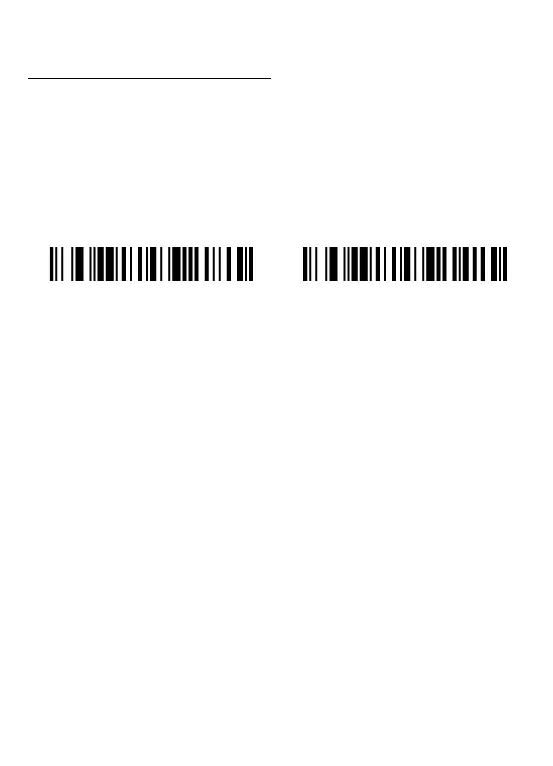
Settings of the barcode scanner can be changed by scanning the setup barcodes
included in this manual.
1. Switch Connection Mode
There are 2 operations to switch the mode.
1) Scan one of the following settings barcode to select the mode.
2) Press and hold the button for 10seconds to change the mode
►In Bluetooth mode,press and hold the button for 10seconds,the buzzer emits sould
like “ Di-da-di”, “DI-di-di”, which means the switching operation is complete, release
the button, the green light is on which means the scanner successfully switches to
2.4GHz wireless mode.
►In 2.4GHz wireless mode,press and hold the button for 10seconds,the buzzer emits
sould like “Di-da-di”, “DI-di-di”which means the switching operation is complete,
release the button, and the blue light is on which means the scanner successfully
switches to Bluetooth-mode.
Connection mode indication:
When the light on the top of the scanner turns blue, it indicates the scanner is in
bluetooth mode.
When the light on the top of the scanner turns green, it indicates the scanner is in 2.4
GHz wireless mode.


 To Next Page