2.Bluetooth Mode Pairing Setting
Enable bluetooth function till find out“Scanner XXX”(XXX is the scanner id), and click
it to begin bluetooth pairing. Wait a few seconds, the red light will be off and the blue
light is still on, and the buzzer beeps twice , which means bluetooth pairing is
successful.
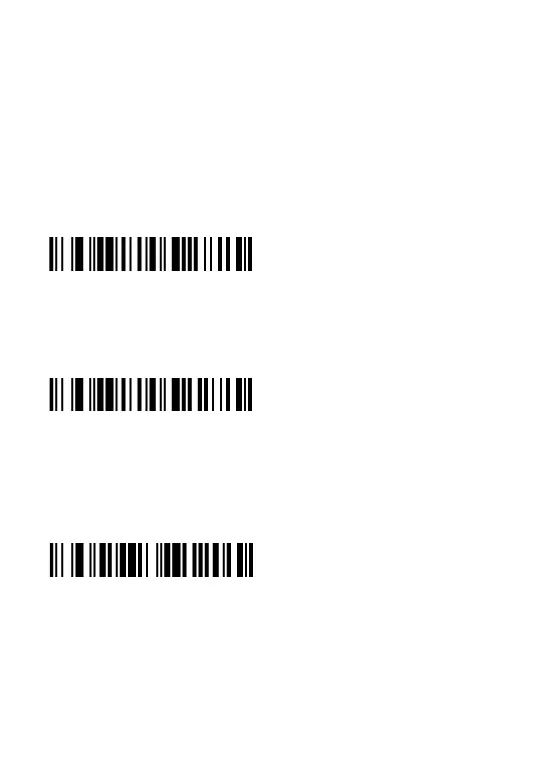
If you want to disconnect the bluetooth pairing, please scan the following code:
disconnect the bluetooth pairing
If you want to set the scanner to connect the recently matched device, please scan the
following code:
Connect the recently matched device
If you want to clear all the pairing records of the scanner, please scan the following
code:
Clear all the pairing records


 To Next Page