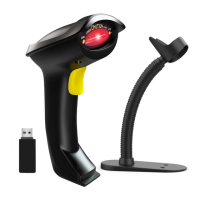
6. Scanning Mode Setting
Two kinds of scanning modes are supported in both bluetooth mode & 2.4GHz
wirelelss mode.
6.1. Manual trigger mode (default) :
User press the trigger, the scanner will emit a red light to read the barcode. When user
release the tigger, the red light will go off.
** Scan the following codes to set the scanner to Manual trigger mode .
6.2. Continuous scanning mode
There’s no need to click the trigger in this mode. The red light of the scanner will be on
all the time.
** Scan the following codes to set the scanner to Continuous Scanning Mode.
7. Battery Remaining
Put the cursor in the field, scan the following barcode, the battery remaining tip
“ DumpEnergy: xxx%”will comes up in the location of cursor
Manual trigger mode (default)


 To Next Page