9. Identity Barcode Type
This setting is to identify what type of the barcode is, follow the below steps to confirm:
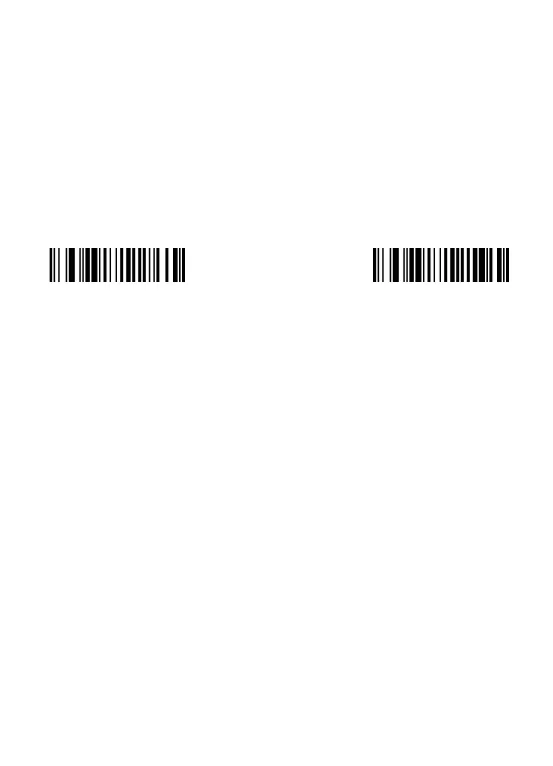
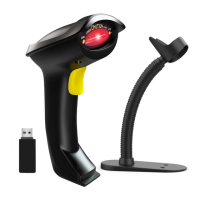
Situation 1: Scan the code "Add ID front-on" below, then scan your goal barcode, there
will be a character BEFORE the barcode you scanned, and this character states your
Barcode Type. After that, if you don't need this prefix any more, please scan the code
"Add ID front-Off (default)" to hide it.


 To Next Page