"
Turning On
Typewriter
I
)
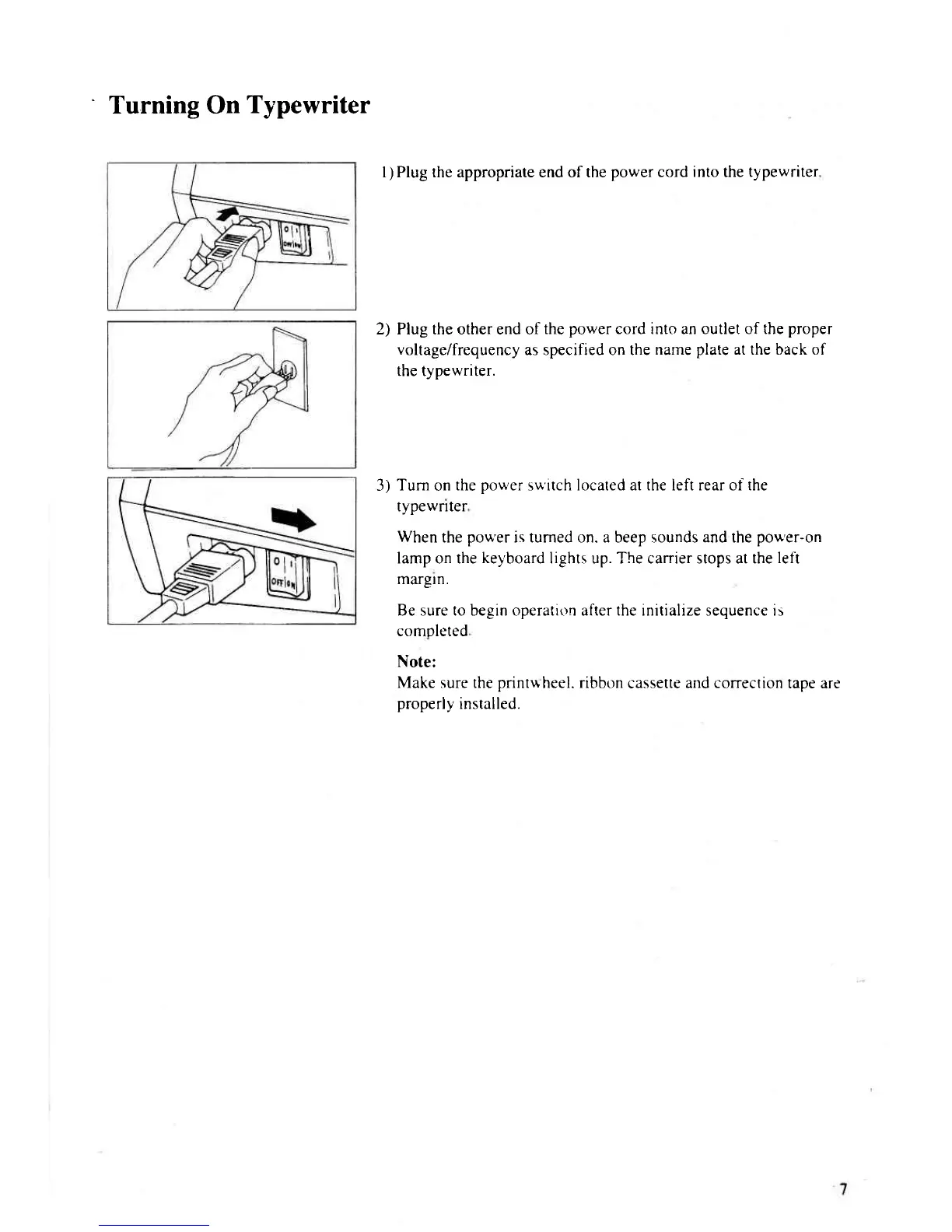
Plug the appropriate end of the
power cord into the typewriter
2) Plug the other end of
the
power
cord into an outlet of the
proper
voltage/frequency
as specified on the
name
plate
at the back of
the tvpewriter.
3)
Turn
on
the
power
s\.r'itch located at the left rear of the
typewnter
When
the
pou'er
is tumed on. a beep sounds and the
pou'er-on
lamp on the
keyboard
lights up. The carrier stops at the
left
margln.
Be sure to begin operatir)n after the initialize sequence is
comoleted
Note:
Make sure the
printuheel.
ribbon
cassette
and correction
tape are
properly
installed.



 To Next Page