EasyManua.ls Logo

Nakajima AE-710 - Typing Controls

Nakajima AE-710
36 pages
Print Icon
To Next Page IconTo Next Page
To Previous Page IconTo Previous Page
Loading...
Typing Controls
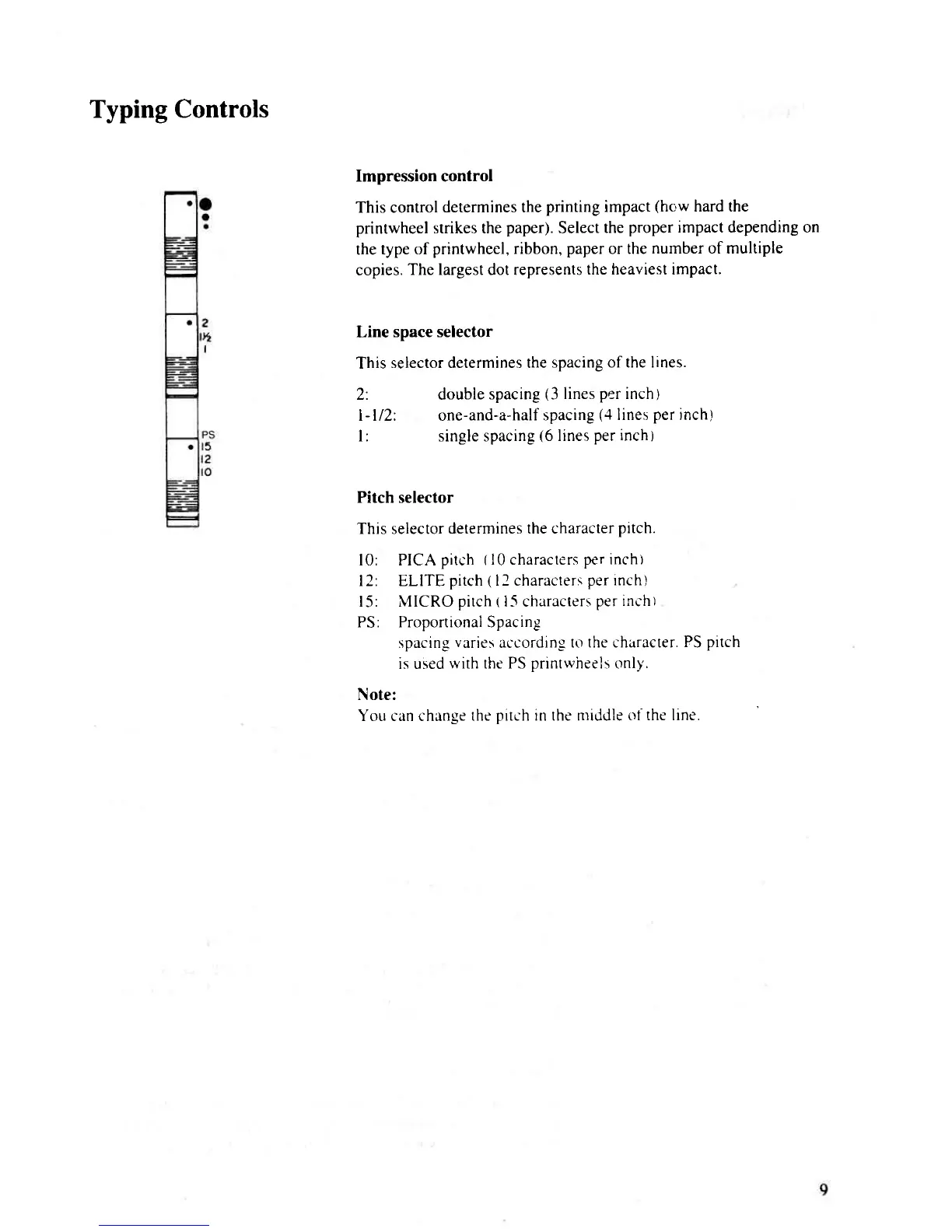
Impression control
This control
determines the
printing
impact
(how
hard the
printwheel strikes the
paper).
Select
the
proper
impact depending on
the
type of
printwheel, ribbon,
paper
or the
number of multiple
copies.
The largest dot represents
the heaviest impact.
Line
space selector
This
selector determines the
spacing of the lines
2: double
spacing
(3
lines
per
inch)
l-l12: one-and-a-half
spacing
(,1
lines
per
inchl
l: single spacing
(6
lines
per inch)
Pitch selector
This selector
determines the character
pitch.
l0: PICA
pitch
(10
characters
per inch)
12 ELITE
pitch
(
tl characters
per
inch)
l5: MICRO
pitch
tl-5
characters
per incht
PS: ProportionalSpacing
spacing
varies
according
to the chirracter.
FS
pitch
is used
with the PS
orintrvheels
only.
Note:
You can change
the
pitch
in the middle
oi the line,

Related product manuals