Automatic Centering
ffi
@.D
il
This
function
centers text evenly between
the left and right
margrns.
I
)
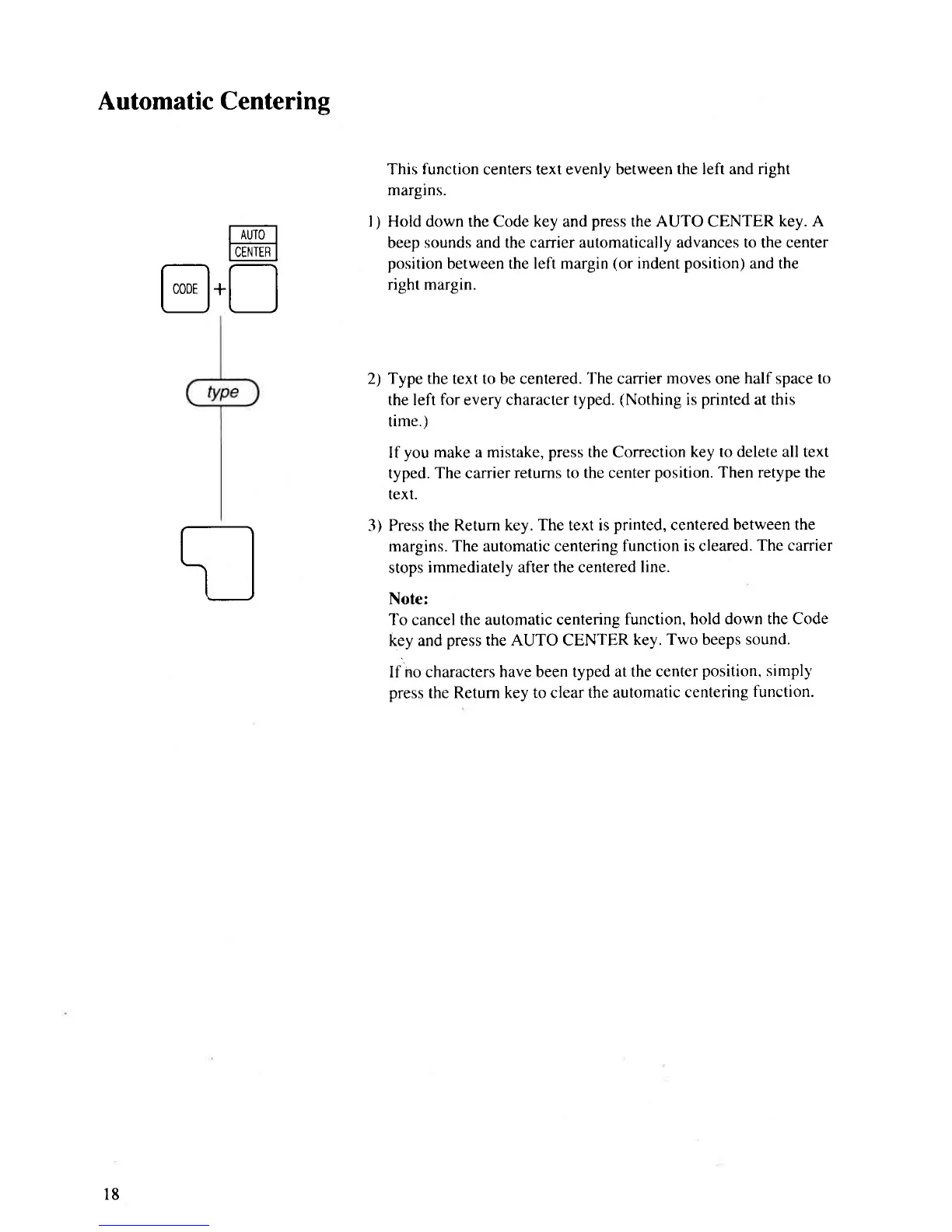
Hold down the Code key and
press
the AUTO CENTER
key. A
beep
sounds and the canier automatically advances to the center
position
between the left margin
(or
indent
position)
and the
right margin.
2) Type the text to be centered. The canier moves one
half
space
to
the left for every character
typed.
(Nothing
is
pnnted
at this
time.)
If
you
make a mistake,
press
the Correction
key to delete all text
typed. The carrier
returns to the center
position. Then retype the
text.
3) Press the Return
key. The text is
printed,
centered
between the
margins. The automatic centering
function is cleared.
The carrier
stops
immediately after the centered
line.
Note:
To cancel
the automatic centering
function,
hold down the Code
key and
press
the
AUTO CENTER
key. Two beeps sound.
If no characters
have been typed
at the center
position. simpll'
press
the
Return key to clear
the automatic centering
function.
l8



 To Next Page