EasyManua.ls Logo

Nakajima AE-710 - Page 21

Nakajima AE-710
36 pages
Print Icon
To Next Page IconTo Next Page
To Previous Page IconTo Previous Page
Loading...
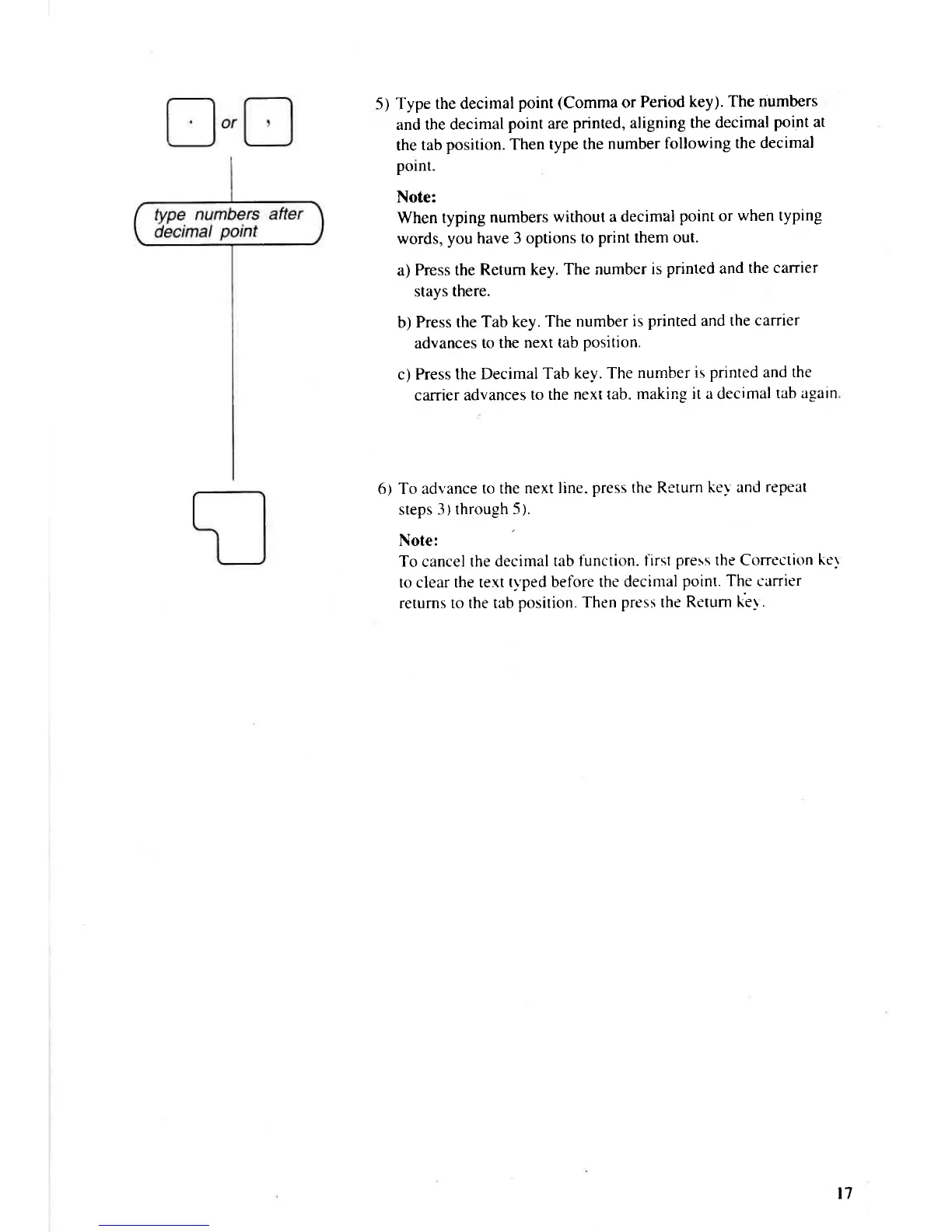
5) Type
the decimal
point
(Comma
or
Period
key). The
numbers
and the decimal
point are
printed, aligning
the decimal
point
at
the
tab
position. Then
type the
number
following
the decimal
polnt.
Note:
When
typing
numbers
without a
decimal
point
or
when
typing
words,
you have 3 options
to
print them out.
a)
Press the
Retum key.
The number
is
printed and
the carrier
stays
there.
b)
Press the
Tab key.
The number
is
printed and the
carrier
advances
to the
next tab
Position.
c) Press the
Decimal
Tab
key. The
number is
printed and
the
carrier advances
to the
next tab. making
it a decimal
tab again
6) To adl'ance
to the next
line.
press the Return
key and
repeat
steps
3) through
5).
Note:
To
cancel
the decimal
tab
function. first
press
the Correction
ker
to clear the text
ty'ped before
the decimal
point. The carrier
returns to the tab
position. Then
press
the
Return ke1
.
l7

Related product manuals