EasyManua.ls Logo

Nakajima AE-710 - Cap Lock; B O L D T y P I N; C a P S L O C

Nakajima AE-710
36 pages
Print Icon
To Next Page IconTo Next Page
To Previous Page IconTo Previous Page
Loading...
Bold
Typing
Caps
Lock
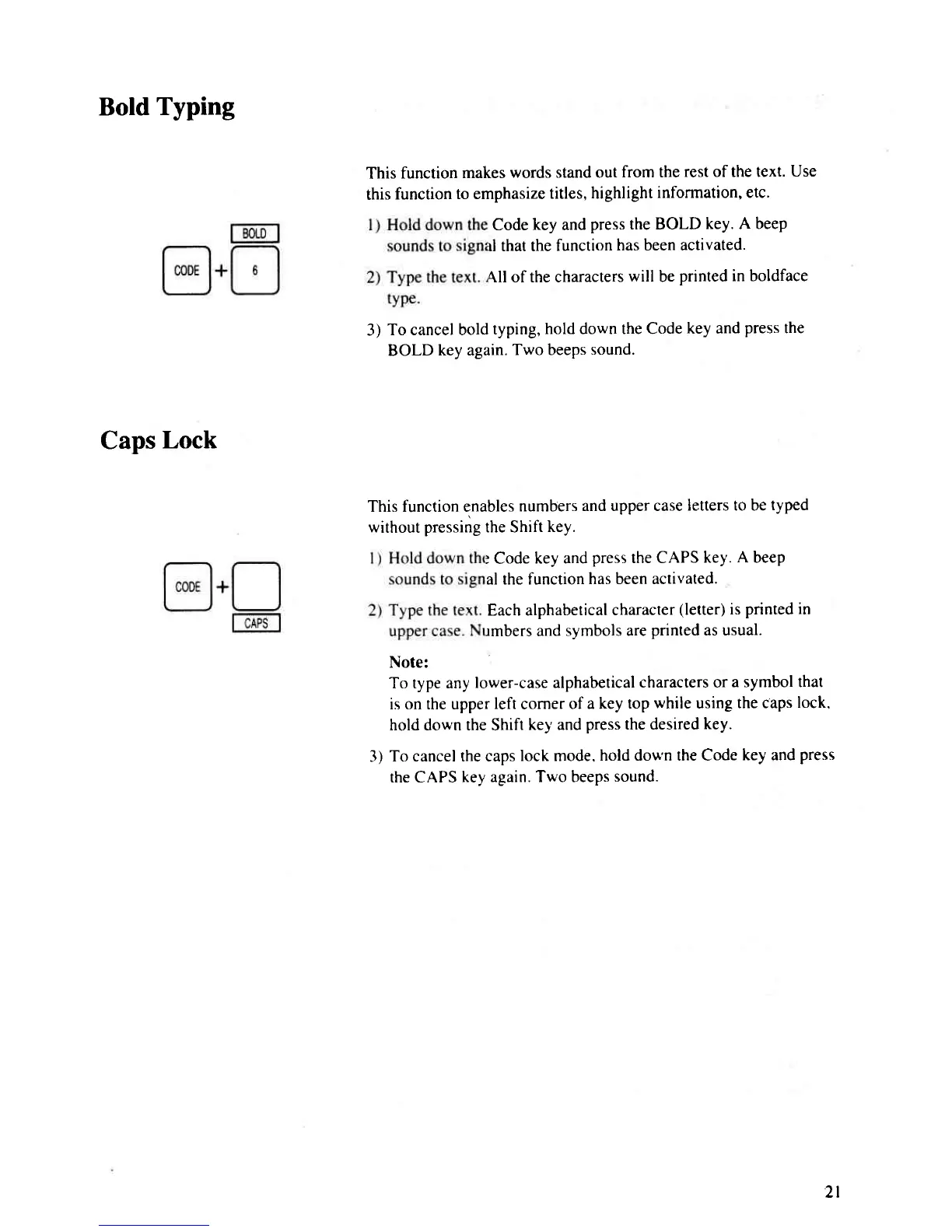
This
function
makes
words stand out
from the
rest of the text.
Use
this
function
to emphasize
titles, highlight
information, etc.
Code
key
and
press
the BOLD
key. A beep
rl that the
function
has been activated.
{ll of the characters
will
be
printed in boldface
3)
To cancel bold
typing,
hold down the Code
key and
press
the
BOLD
key again.
Two beeps
sound.
This function enables
numbers
and upper case
letters to be
typed
without
pressing
the Shift
key.
: Code
key and
press
the CAPS
key.
A
beep
al the function
has been activated.
Each alphabetical
character
(letter)
is
printed in
rmbers and
svmbols are
printed
as usual.
Note:
To type any
lower-case alphabetical
characters or
a symbol that
is on the upper
left
corner
of a key
top
while
using
the caps
lock.
hold down the Shift
key and
press
the desired
key.
3)
To cancel the caps
lock mode.
hold down the Code
key and
press
the CAPS
key again. Two beeps
sound.
2l

Related product manuals