EasyManua.ls Logo

Nakajima AE-710 - Page 7

Nakajima AE-710
36 pages
Print Icon
To Next Page IconTo Next Page
To Previous Page IconTo Previous Page
Loading...
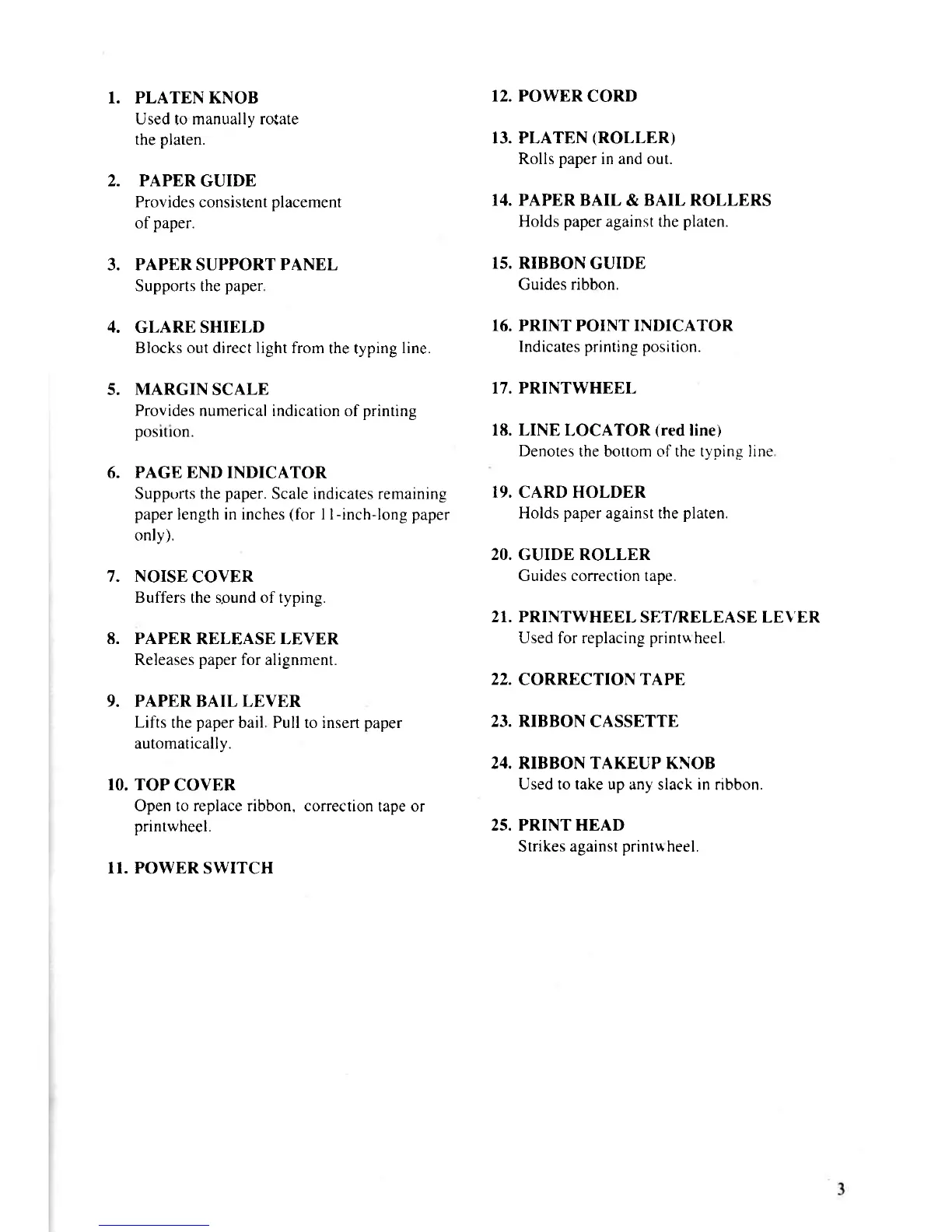
1. PLATEN KNOB
12. POWER
CORD
Used
to
manually ro{ate
the
platen.
13. PLATEN
(ROLLER)
Rolls
paper
in and out.
2. PAPER
GUIDE
Provides consistent
placement
f4. PAPER BAIL
&
BAIL ROLLERS
of
paper.
Holds paper against the platen.
3. PAPER SUPPORT PANEL
15. RIBBON
GUIDE
Supports the
paper
Guides
ribbon.
4.
GLARE SHIELD
16. PRINT
POINT
INDICATOR
Blocks out direct
light
from
the typing
line.
Indicates
prrnting position.
5.
MARGIN
SCALE
17. PRINTWHEEL
Provides
numerical indication of
printing
posrtron.
18. LINE
LOCATOR
(red
line)
Denotes
the bottom of the tynine Iine
6. PAGE END
INDICATOR
Supptrrts the
paper.
Scale indicates remaining
19. CARD HOLDER
paper
length in inches
(for
I l-inch-long paper
Holds
paper
against the
platen.
only).
20. GUIDE ROLLER
7. NOISE
COVER
Guides correction tape.
Buffers the sound of typing.
21. PRINTWHEEL
SET/RELEASE LEVER
8. PAPER
RELEASE LEVER
Used for replacing
printuheel
Releases
paper
for alignment.
22.
CORRECTION
TAPE
9.
PAPERBAILLEVER
Lifts
the
paper
bail Pull to insert
paper
23. RIBBON
CASSETTE
automatically.
24. RIBBON TAKEUP KNOB
10. TOP
COVER
Used to take up
any slack
in
nbbon.
Open to replace ribbon. correction
tape or
printwheel.
25. PRINT HEAD
Strikes against
printu
heel.
II. POWER
SWITCH

Related product manuals