Page 27
18. TROUBLESHOOTING
REFERENCE TO KNOWN ISSUE
Opening the inlet valve too quickly
Valve should be opened slowly allowing the pressure to build up gradually.
Inlet/outlet head pipe
Diameter too small.
Pipe work unsupported.
Inlet pipe work from low point in system, allowing bulk water to collect and enter the dryer.
Electrical controller
Incorrect fuse ed or fuse blown. Check the plug and fuse located on top of the controller back plate inside the dryer
front cover.
Addional Items
Use of non-authorised components.
Untrained / unauthorised maintenance / installaon personnel used.
Increase in air consumpon without relaon to the ow capacity of the dryer.
Purging the dryer with cleaning agents that could damage the components or the desiccant.
Covers removed or loose during operaon.
Failure to carry out a service when indicated by the dryer.
Do not allow the dryer to ow air unless powered up, switched on and cycling. Resulng eect could be
cartridge contaminaon; requiring replacement cartridges.
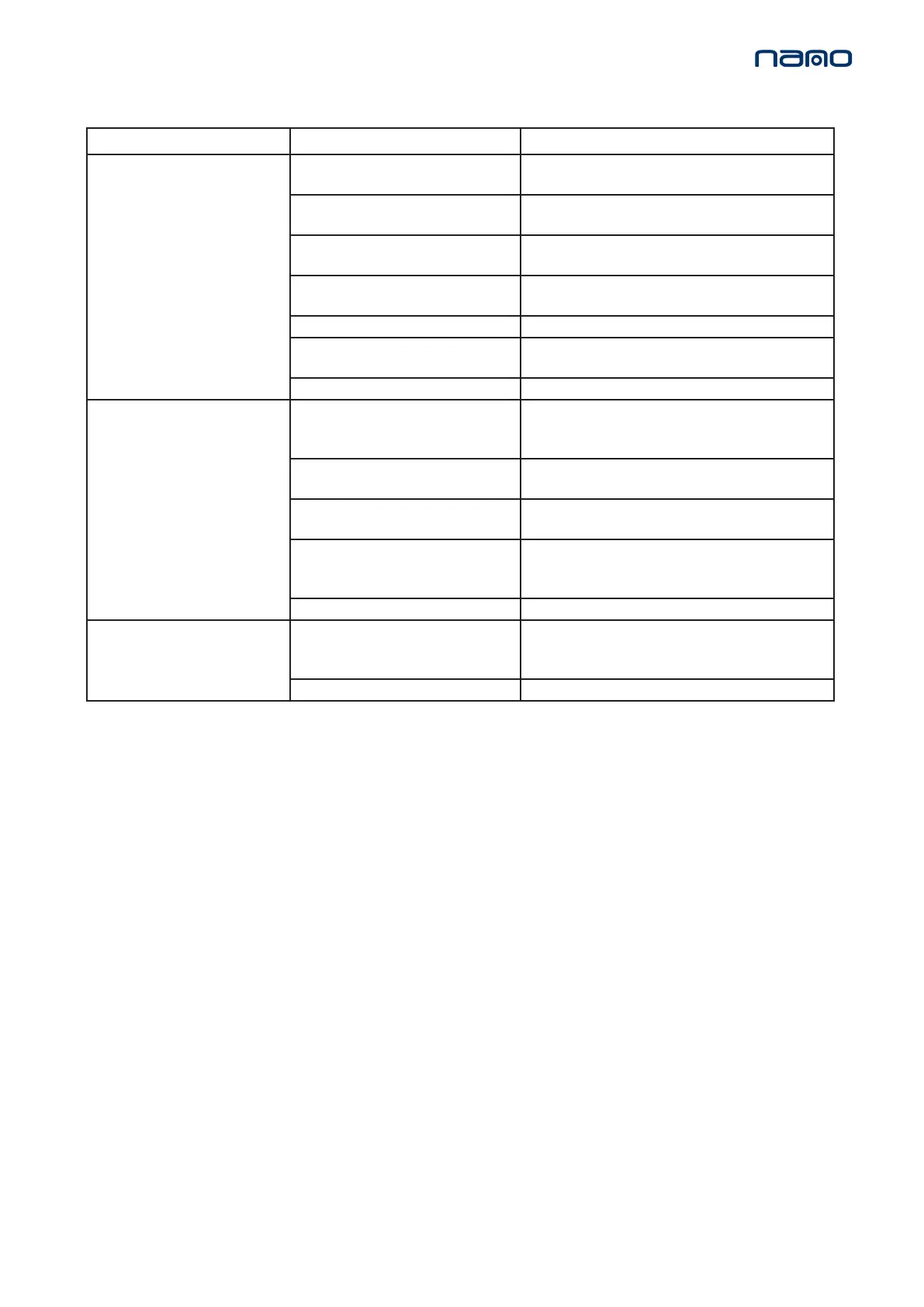
Problem Problem Cause Soluon
Poor dew point
performance
1. Insucient inlet pressure 1. Inlet pressure min 4 barg. If not adjust inlet pressure
sengs.
2. Electrical Fault 2. Ensure the power is on and the dryer front panel is
illuminated; check the dryer is cycling correctly.
3. Moist or contaminated desiccant 3. Eliminate the cause of contaminaon. Replace cartridges
– do not re-use.
4. Too high air consumpon 4. Ensure the performance of the dryer matches the re-
quired system air consumpon.
5. Excessive inlet air temperature 5. Check against technical specicaon.
6. Insucient purge air 6. Purge incorrectly adjusted. Consult service personnel to
adjust sengs (Factory pre-set).
7. Exhaust silencer blocked 7. Consult service personnel.
Failure of dryer to cycle
8. Controller not funconing correctly 8. Ensure the controller is powered; check the on screen
column status to ensure it is powering the solenoid valves
during normal cyclic operaon.
9. Controller not illuminated 9. Check power to unit & fuse: T2A 250V (located at Fig
8.A).
10. Insucient inlet pressure 10. Inlet pressure = min 4 barg. If not adjust inlet pressure
sengs.
11. Failure to de-pressurise when cycling 11. Solenoid valve not funconing correctly; if there is
power to the coil, replace valve. A correctly working valve
outputs an audible click when it energises.
12. Outlet ow stops 12. Check inlet air supply.
Constant
depressurisaon
13. Failure to inialise dryer 13. Switch o and restart dryer. Ensure dryer is pressurised
before powering dryer to allow dryer to inialise before
commencing operaon.
14. Errac air ow from exhaust 14. Faulty or damaged valve; service required.



 To Next Page