5-4 Updating Firmware
In the meanwhile on the 7010 front panel the DATA RX and TX led will
blink to indicate a serial communication is going on.
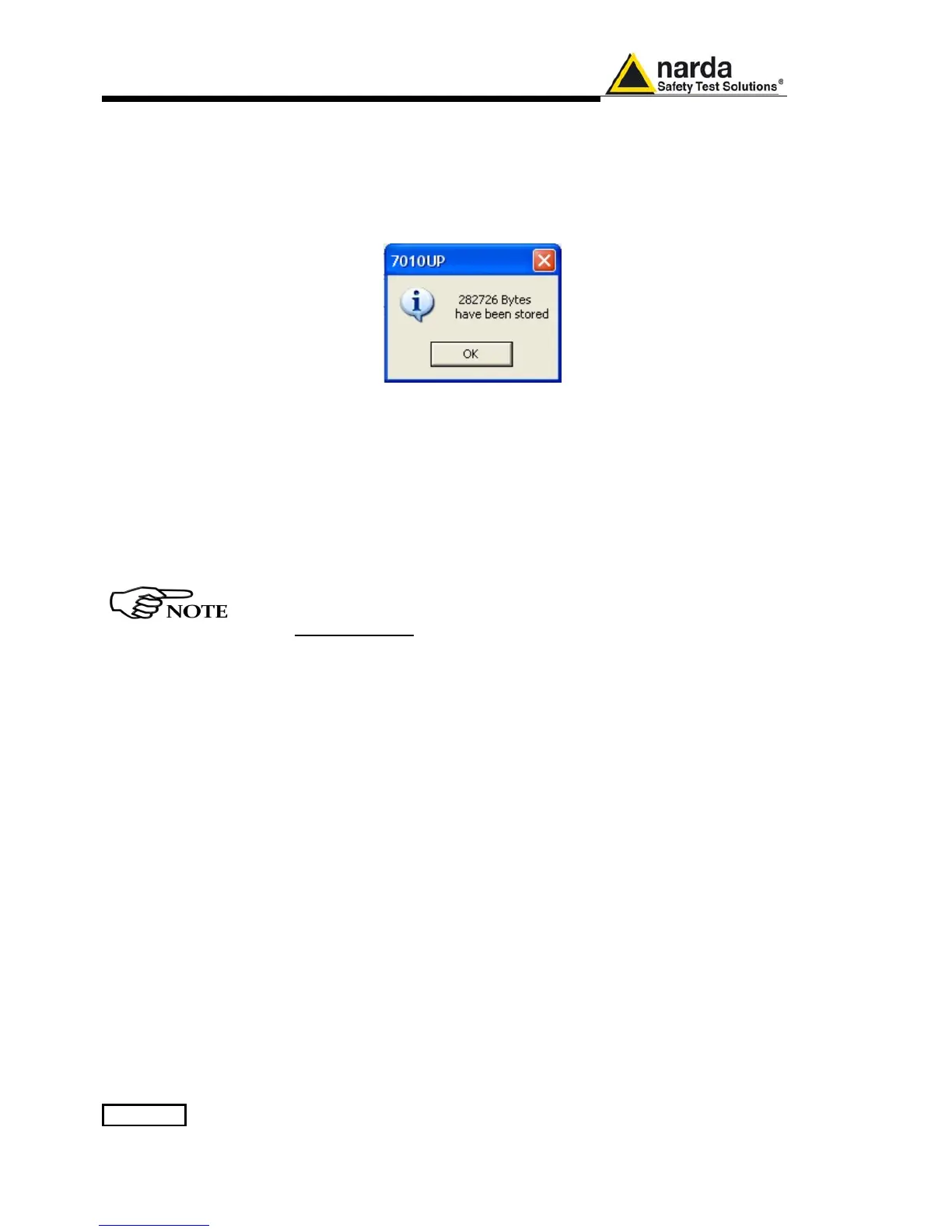
When FW download finishes, following message appears to show that
everything was properly completed:
The length of the file can change with the version.
In case of failure, an error message is showed instead.
After Firmware Update is successfully completed, switch OFF and then ON
again the PMM 7010, looking at screen, and then perform Auto-calibration.
It is now possible to disconnect the cable connected to the PC, with the
PMM 7010 receiver either switched On or Off.
To obtain up-to-date Firmware or PC Utility for PMM 7010, the user
can contact his NARDA distributor or download it directly from
Support area of EMC Product Range on the following Web Site:
www.narda-sts.it.



 To Next Page