Updating Firmware 5-5
5.6 7010 WrDongle
utility
The WrDongle utility allows to enable the function ordered such Options
using the 40 Digit Activation Code received from NARDA Italy.
Turn on the PMM 7010 and connect it to a free USB or RS232 port of the
PC.
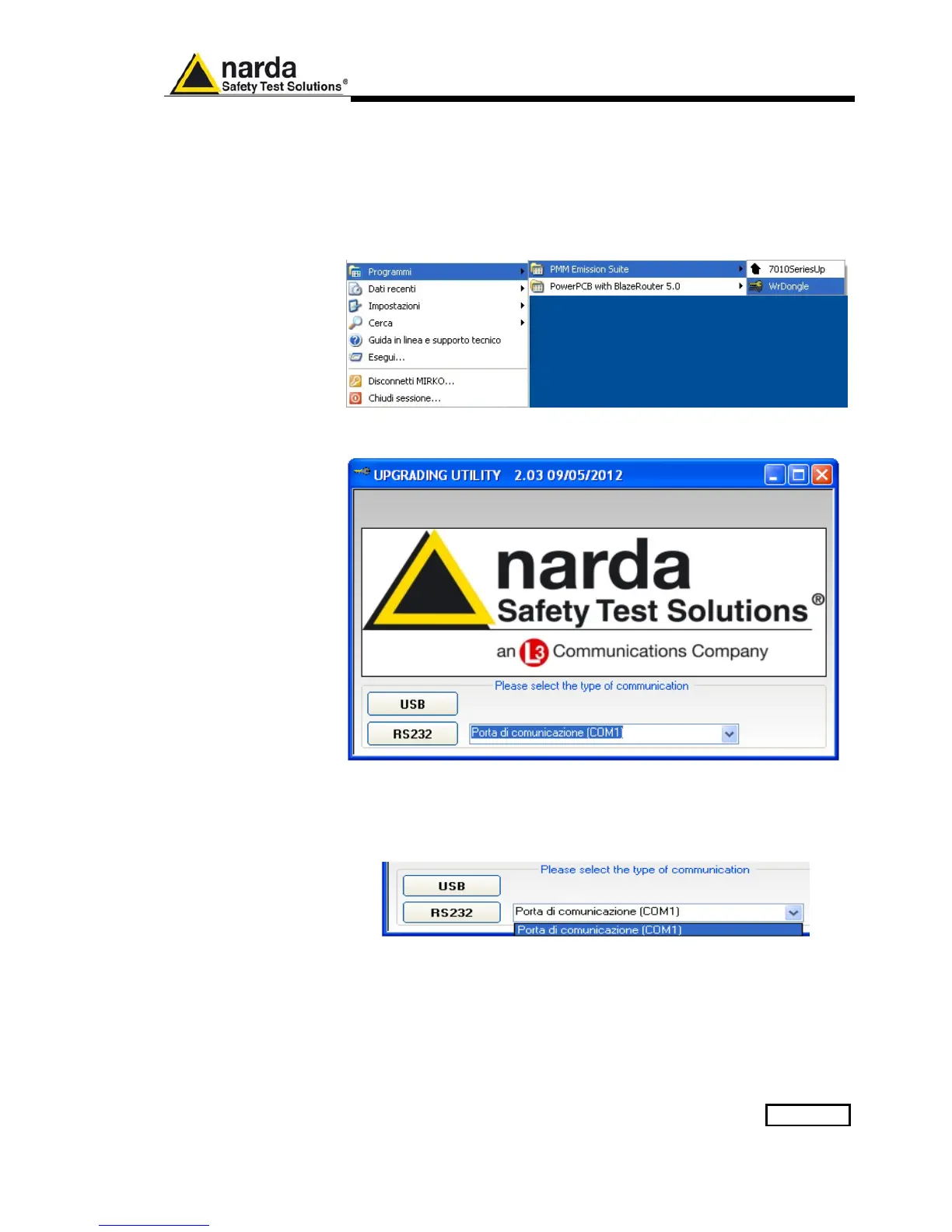
Browse for All Programs from the Start Menu and reach the “WrDongle”
executable link:
Main window displayed after the program WrDongle has been run:
Select USB or RS232 communication port.
In case of RS232 communication, choose the COM port from the pulldown
menu.
Press RS232 button or Enter key to set the com port.



 To Next Page